EasyManua.ls Logo

Rascal Balance 600 B - User Manual

Rascal Balance 600 B
49 pages
Print Icon
To Next Page IconTo Next Page
Loading...
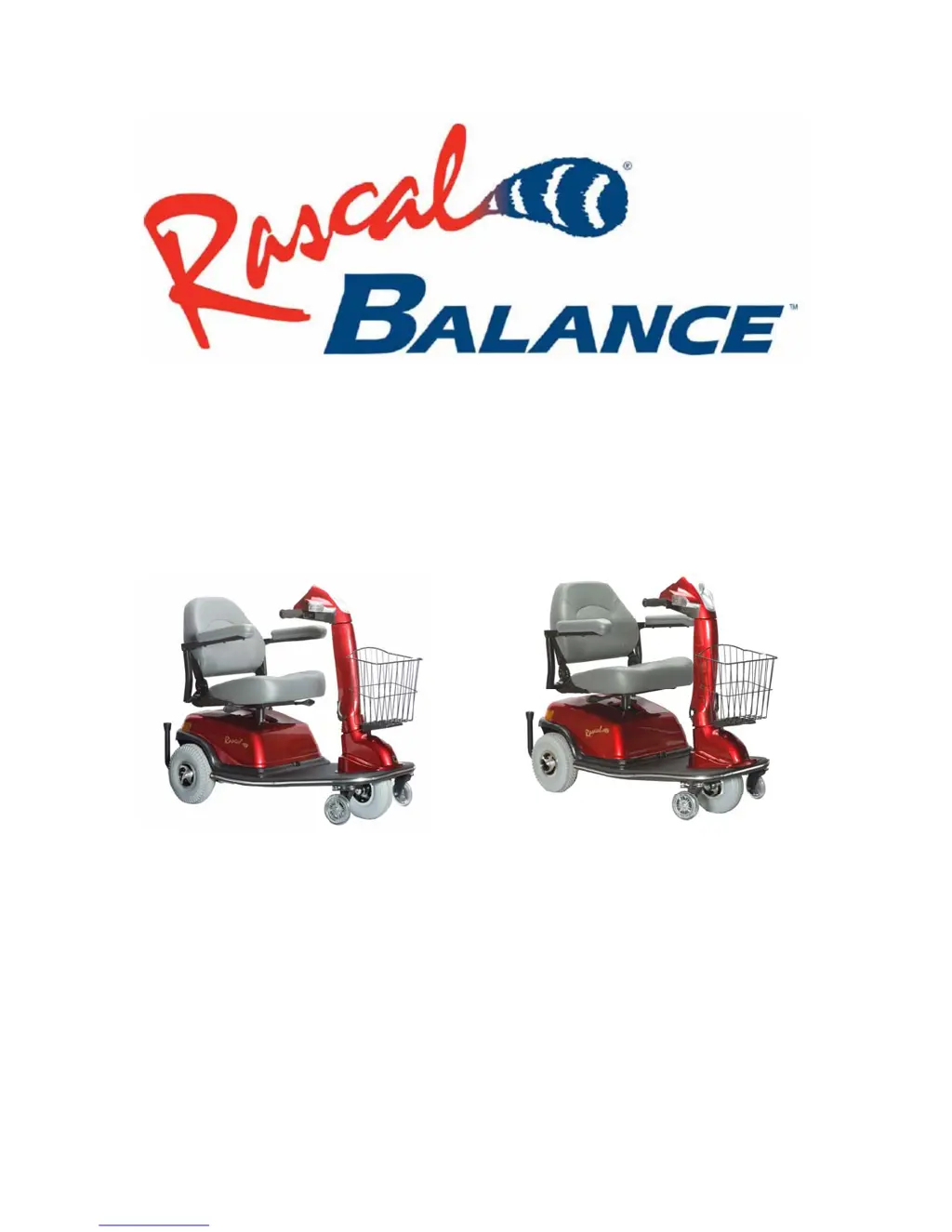
600 B/700 B
Owner’s Manual
Magnetic Stabilizer™ Technology
Patent Pending

Table of Contents

Questions and Answers

  • J
    Jason RossAug 13, 2025
    What to do if my Rascal Balance 600 B does not move?
    • N
      Nicole WilliamsAug 13, 2025
      If your Rascal Scooter doesn't move, there are several potential causes: * Ensure the key switch is turned to the “ON” position. * Check if the main circuit breaker has tripped and reset it if necessary (located in the trunk area). * Verify the brake release lever is in “Ride Mode,” not “Push Mode”. * Disconnect the charger if it's connected. * Recharge the batteries if the power is low. * Make sure the battery harness is securely plugged into the connector. * If the scooter shuts down to conserve battery, cycle the key switch “OFF” and then “ON”. * Check the Status Lamp for a Flash Code, which may indicate a controller error. * Ensure the scooter is in “Drive” mode and not “Seat Lift” mode by checking the rocker switch.
  • C
    Christopher AlexanderAug 17, 2025
    Why is the range less than expected on my Rascal Scooter?
    • S
      Steven LoweryAug 17, 2025
      If you are experiencing less range than expected with your Rascal Scooter, consider the following: * Charge the unit more often. * Have the batteries load tested and replace if necessary. * If the weather is cold, allow the batteries to reach room temperature and then fully re-charge.
  • D
    Dr. Michael SimpsonAug 20, 2025
    How to fix a brake release lever that sticks on Rascal Balance 600 B?
    • S
      sdonovanAug 20, 2025
      If the brake release lever on your Rascal Scooter sticks, it is likely due to rust and corrosion. Spray the ball detent area with lubrication oil, being careful not to get oil onto the brake pad.
  • K
    Kenneth MartinAug 25, 2025
    How to stop Rascal Balance 600 B Scooter brakes from squealing?
    • A
      Anne ReynoldsAug 25, 2025
      If your Rascal Scooter brakes are squealing, it's likely due to dirt in the brake pad. Blow the dirt out with an air pressure hose.
  • G
    Gregory ThorntonAug 27, 2025
    What does Flash Code 1 X mean on my Rascal Balance 600 B Scooter?
    • C
      Christopher YoungAug 27, 2025
      If your Rascal Scooter is showing Flash Code 1 X, it indicates that the battery charge is low. Recharge as soon as possible. The scooter can be driven, but it will not operate if the battery is too low.
  • C
    Cody PrestonAug 31, 2025
    Why does my Rascal Balance 600 B Scooter feel wobbly when driven?
    • C
      Courtney ReyesAug 31, 2025
      If your Rascal Scooter feels wobbly, it might be due to low tire pressure. Inflate the tires to the recommended pressure. Also, check the seat for any loose hardware or damage and ensure that the seat is locked in position.
  • A
    Amy ChapmanSep 4, 2025
    What to do if the ammeter is not registering on my Rascal Scooter?
    • A
      April MartinSep 4, 2025
      If the ammeter on your Rascal Scooter isn't registering, it could be due to several reasons. First, ensure that the batteries are fully charged and the key switch is turned “ON”; the battery indicator should read “F” (Full). If the batteries are not the issue, the ammeter might be broken or the wire disconnected; in this case, replace the ammeter or connect the wire. Lastly, the batteries might have bad cells, requiring a load test and possible replacement.
  • K
    Kimberly ConleySep 8, 2025
    Why is there stiffness in the steering of my Rascal Balance 600 B Scooter?
    • W
      William MayoSep 8, 2025
      If you're experiencing stiffness in the steering of your Rascal Scooter, it's likely that the bearings in the head tube are worn. You will need to replace the bearings.

Summary

IMPORTANT

Vehicle Information

Section for recording essential vehicle details for future reference.

Customer Service Toll Free Numbers

Contact numbers for service and parts in various regions.

Safety Information

General Warnings and Cautions

Critical safety instructions and operational advisories to prevent injury or damage.

Electromagnetic Interference Safety

Advisories on managing interference from radio wave sources and related precautions.

Getting to Know Your Rascal Scooter

Take-Apart Components

Identifies the individual parts of the Rascal scooter.

Operating Controls Overview

Visual guide to all controls on the dashboard and their functions.

Scooter Controls

Fuel Gauge

Displays battery charge level.

Status Lamp

Indicator for power availability and system status.

Dial-A-Speed Control

Adjusts the maximum speed setting of the scooter.

Engager Lever

Controls forward and reverse motion of the scooter.

Keyswitch

Turns the scooter's main electrical power on and off.

Initial Setup and Adjustments

Charging Batteries

Instructions for charging the scooter's batteries for maximum life and power.

Adjusting Armrests

Steps to adjust the width and angle of the armrests for comfort.

Adjusting Backrest Angle

How to set the backrest to three different angle positions.

Adjusting Seat Swivel Position

Allows the seat to swivel for easier transfers on and off.

Seat Post Height Adjustment

Manually adjust the seat height for optimal user comfort.

Using the Scooter

Transferring Onto the Vehicle

Recommendations for safe and comfortable transfers on and off the scooter.

Driving and Braking

Instructions for operating the scooter's movement, steering, and braking systems.

Speed Settings and Freewheel Operation

How to adjust speed and engage freewheel mode for manual pushing.

Vehicle Disassembly & Re-Assembly

Removing Key Components

Steps for removing parts like the front basket, dash, handlebar, seat, and batteries.

Removing Front and Rear Sections

Instructions for disconnecting wiring and separating the front and rear frame sections.

Transporting Your Scooter

Transport Methods

Guidelines for safely transporting the scooter by car, airplane, bus, van, or truck.

Maintenance and Servicing

Preventive Maintenance Checks

Regular checks for optimal performance and safety, including tires and connections.

Component Removal and Care

Procedures for removing wheels, lubricating the seat post, and inspecting tire wear.

Cleaning and Storage

Safe methods for cleaning the scooter and guidelines for extended vehicle storage.

Troubleshooting and Controller Diagnostics

Common Scooter Issues

Diagnosing and resolving problems like the unit not moving or feeling wobbly.

Controller Fault Codes

Understanding controller error codes for system diagnostics.

Warranty and Service Information

Limited Warranty Details

Information on three-year and one-year limited warranties, including exclusions.

Specifications

Technical details and dimensions for the 600 B and 700 B models.

Rascal Balance 600 B Specifications

General IconGeneral
Weight Capacity300 lbs
Brake TypeElectromagnetic
FoldableNo
Battery2 x 12V
Charging Time8 hours
Tire TypeSolid
Weight120 lbs

Related product manuals