43
SYSTEM SETTINGS
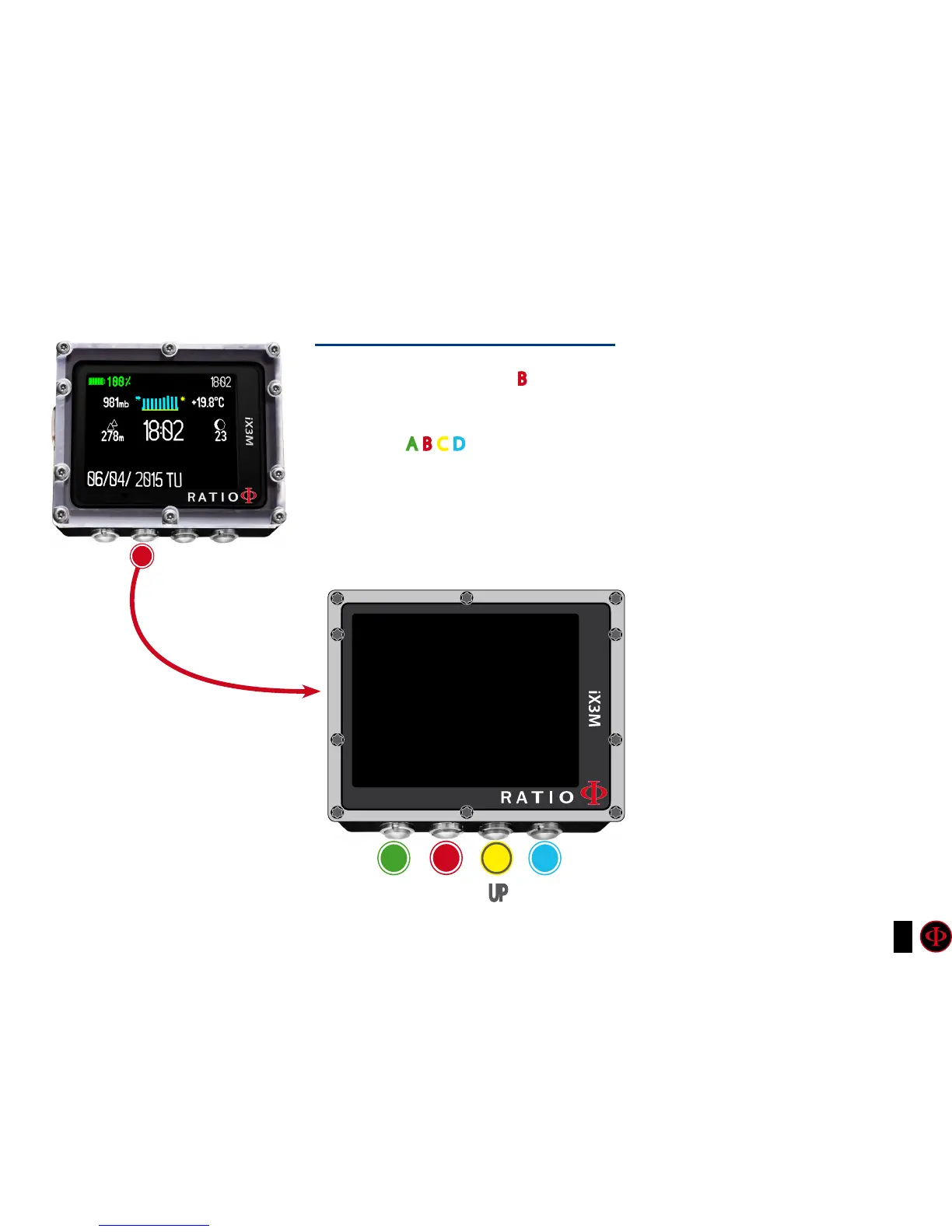
From the main screen press B buttons to have access to the menu.
Use buttons A-B-C-D as described in the picture to navigate the menu.
The selected entry is indicated in red colour.
(According to your RATIO iX3M model some entries might not be visualized)
Do you know what?:
You can change the RATIO iX3M menu, headlines
and data colours from the menu DISPLAY.
b
SYSTEM SET MENU
DISPLAY
GENERAL SET
PC MODE
TRANSMITTER
DEFAULT
COMPASS
INFO
SWITCH OFF
b
A C D
ExIT
ENTER
UP DOWN



 To Next Page