50
Model, serial number and operative system
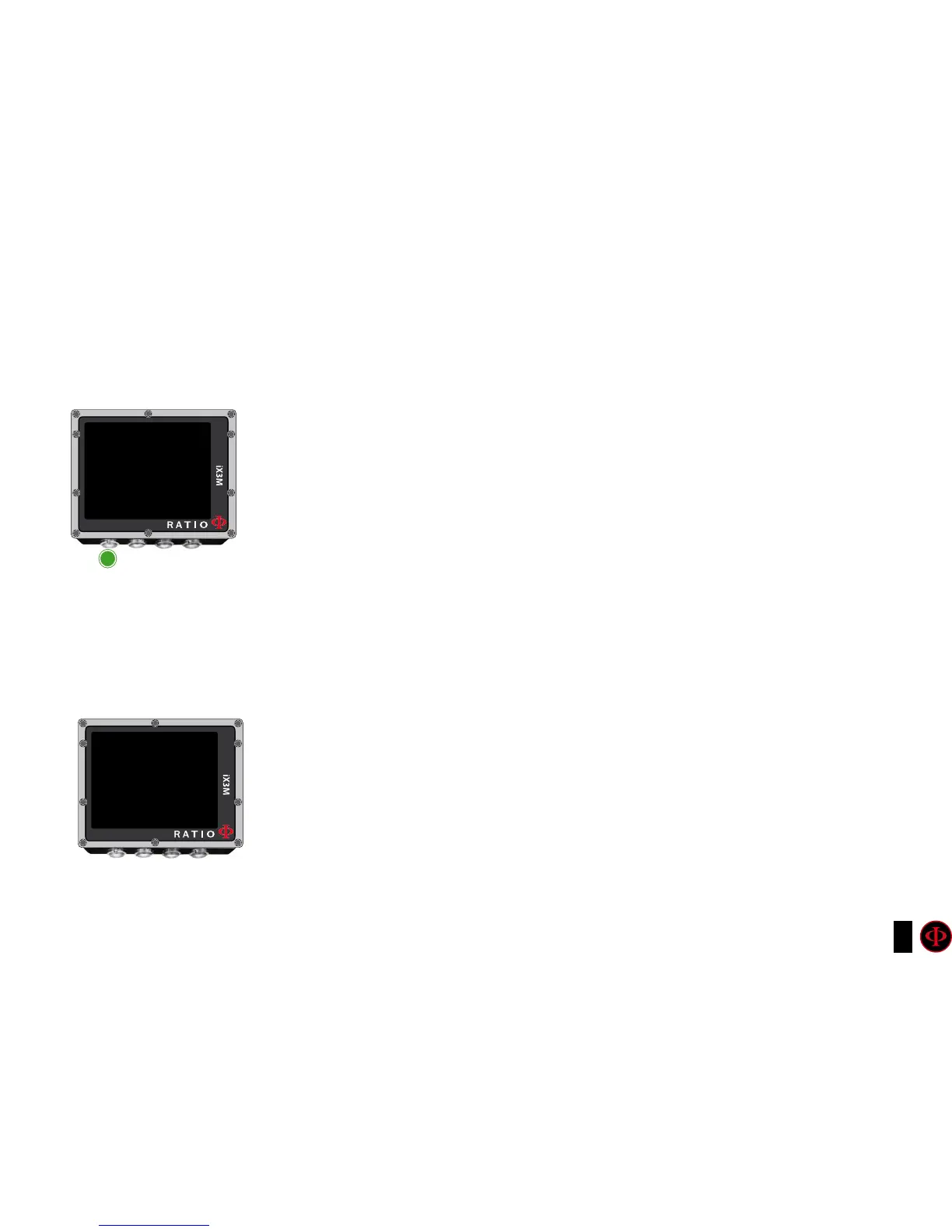
To navigate the menu follow the instructions in the picture on the left.
In this page you can visualize: Model name, serial number (S/N) and the installed
operative system version (OS).
In case you need assistance for your RATIO iX3M these data are important.
SWITCH OFF (Manual switching o)
The RATIO iX3M switches off automatically after a certain inactivity period..
However, you can also switch the device off manually.
If the device is in charge, the command will be executed only once the charge is
finished.
If the device is still carrying out the tissue desaturation after a dive, the command
“switch off “ deactivates all systems which are not essential.
Nevertheless, the device goes on to carry out the desaturation calculation.
INFO
RATIO
IX3M XXXX
S/N:00000
FW: OS 4.X.X/0XX
A
ExIT



 To Next Page