To Next Page
S
Stephanie ClaytonAug 1, 2025
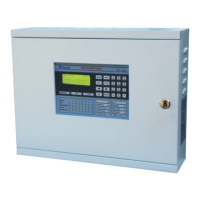
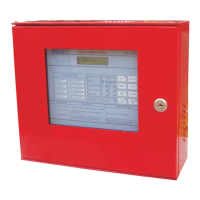
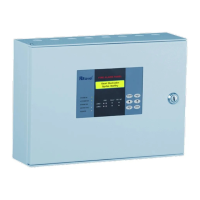
What to do if there is a hooter fault indication on my Ravel RE-900 Control Panel?
- Aalexander77Aug 1, 2025
A hooter fault indication on your Ravel Control Panel can be caused by a connection issue with the hooter or a loop fault. Here's what you should check: * If no hooter is connected to the output, verify that the End-of-Line (EOL) resistor is properly connected. * Inspect the loop wiring for any shorts or opens using a meter. * If the hooter is non-polarized, ensure that each hooter’s positive loop is connected to the cathode of a 1N4007 diode, and the hooter’s negative loop is connected to the anode of the 1N4007 diode.
 General