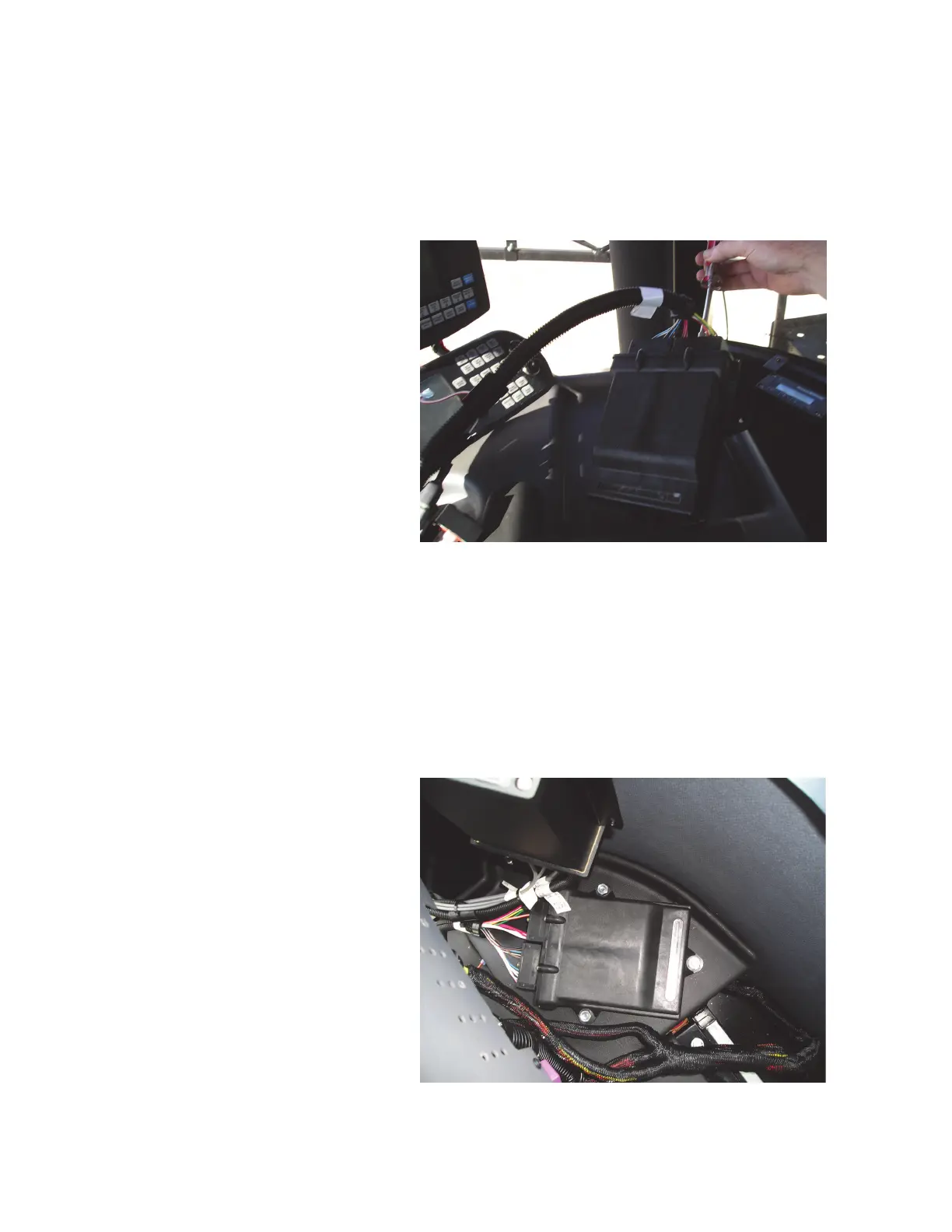
2. Connect the CAN AccuBoom cable to the CAN AccuBoom node.
a. Connect the rectangular connectors from the CAN
AccuBoom/Serial Console Cable P/N 115-1001-003 to the CAN
AccuBoom Node P/N 063-0172-316.
3. Mount The CAN AccuBoom Node.
a. Route the CAN AccuBoom/Serial Console Cable P/N 115-1001-
003 from the console connection to a location suitable to mount the
CAN AccuBoom node P/N 063-0172-316.
b. Identify a suitable location to secure the CAN AccuBoom Node
P/N 063-0172-316 to the machine.
c. Bolt the CAN AccuBoom Node P/N 063-0172-316 securely in
place.
Manual #016-0171-073 Rev. C 01/17
5


 To Next Page
 Loading...