8 Chapter 4 Setting Up RIOSensor+
4. Click Next.
The Choose Components dialog box is displayed.
5. Select RIOSensor+ and click Install.
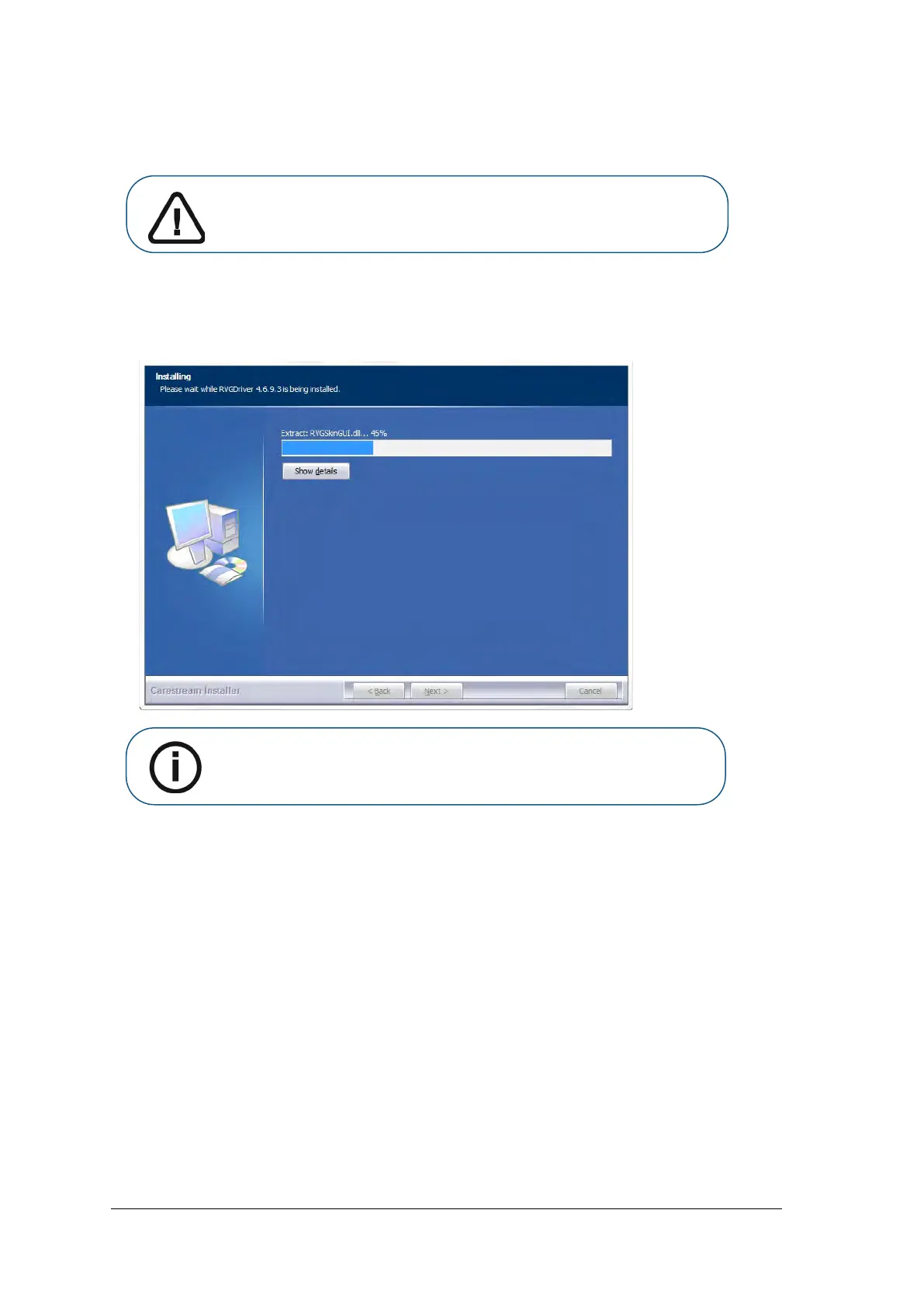
The Installing dialog box is displayed:
Important: Do NOT uncheck any boxes that are already checked.
Note: If your workstation is running Microsoft Windows XP, a warning is
displayed and you need to click Continue Anyway.



 To Next Page