RIOSensor+ User & Installation Guide (SMB09)_Ed01 9
6. Click Next.
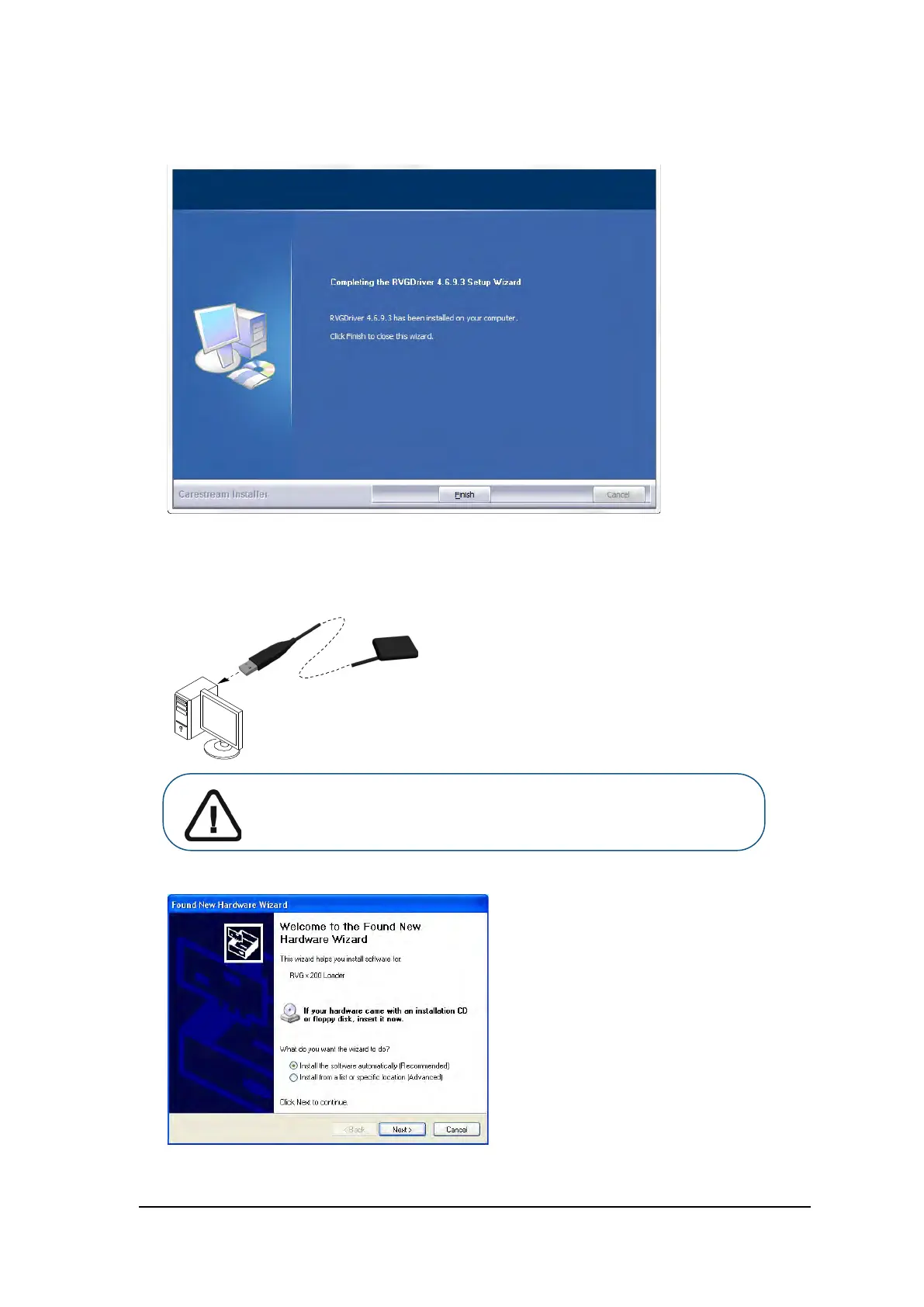
When the installation is complete, the Completing the RVGDriver Setup Wizard dialog box is
displayed:
7. Click Finish.
Then restart your computer (recommended but not mandatory).
8. Connect the sensor to a USB 2.0 minimum port that is connected directly to the motherboard
(generally located on the back of the workstation).
The Found New Hardware Wizard is displayed.
Important: To ensure the best quality images, you must connect the
sensor to a USB 2.0 minimum port that is connected directly to the
motherboard (generally located on the BACK of the workstation).



 To Next Page