RIOSensor+ User & Installation Guide (SMB09)_Ed01 11
5 Acquiring Single Images Using
RIOSensor+
Preparing the Acquisition of a Single Image Using RIOSensor+
To prepare the acquisition of a single image using RIOSensor+, follow these steps:
1. Select the sensor.
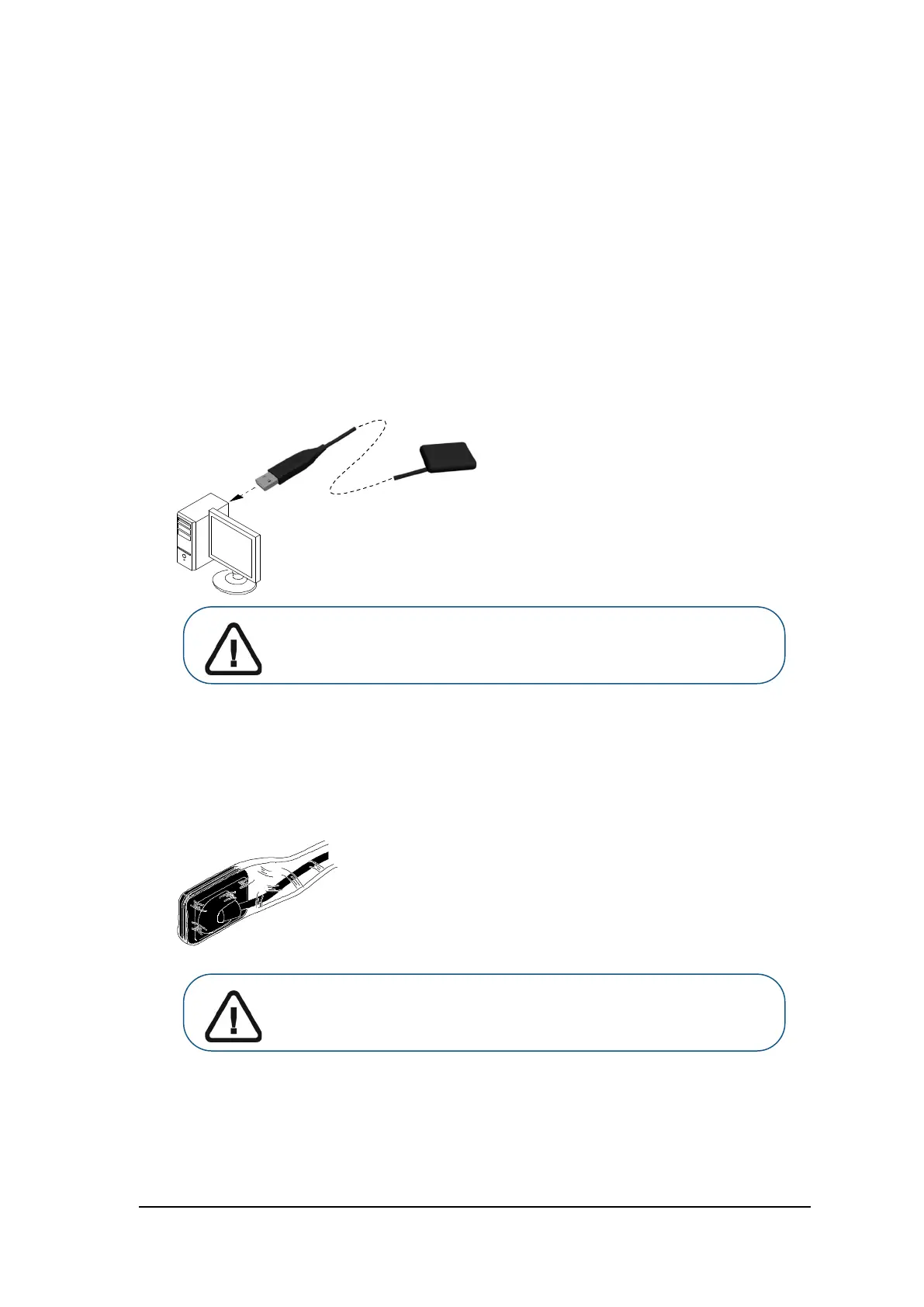
2. Connect the sensor to a USB 2.0 minimum port that is connected directly to the motherboard
(generally located on the back of the workstation).
Select either one of the options and follow the on-screen instructions.
3. Open the acquisition window of your Imaging Software and verify that the sensor is active.
4. Select an appropriate positioner for the region of interest and the size of the sensor.
5. Cover the sensor with a disposable hygienic sleeve specifically designed for each size of sensor.
Important: To ensure the best quality images, you must connect the
sensor to a USB 2.0 minimum port that is connected directly to the
motherboard (generally located on the BACK of the workstation).
Important: Use a NEW hygienic sleeve for each new patient to prevent
cross-contamination.



 To Next Page