RIOSensor+ User & Installation Guide (SMB09)_Ed01 7
4 Setting Up RIOSensor+
Setting Up RIOSensor+
1. Follow the instructions to install your Imaging Software.
2. Insert the USB drive that contains the sensor drivers.
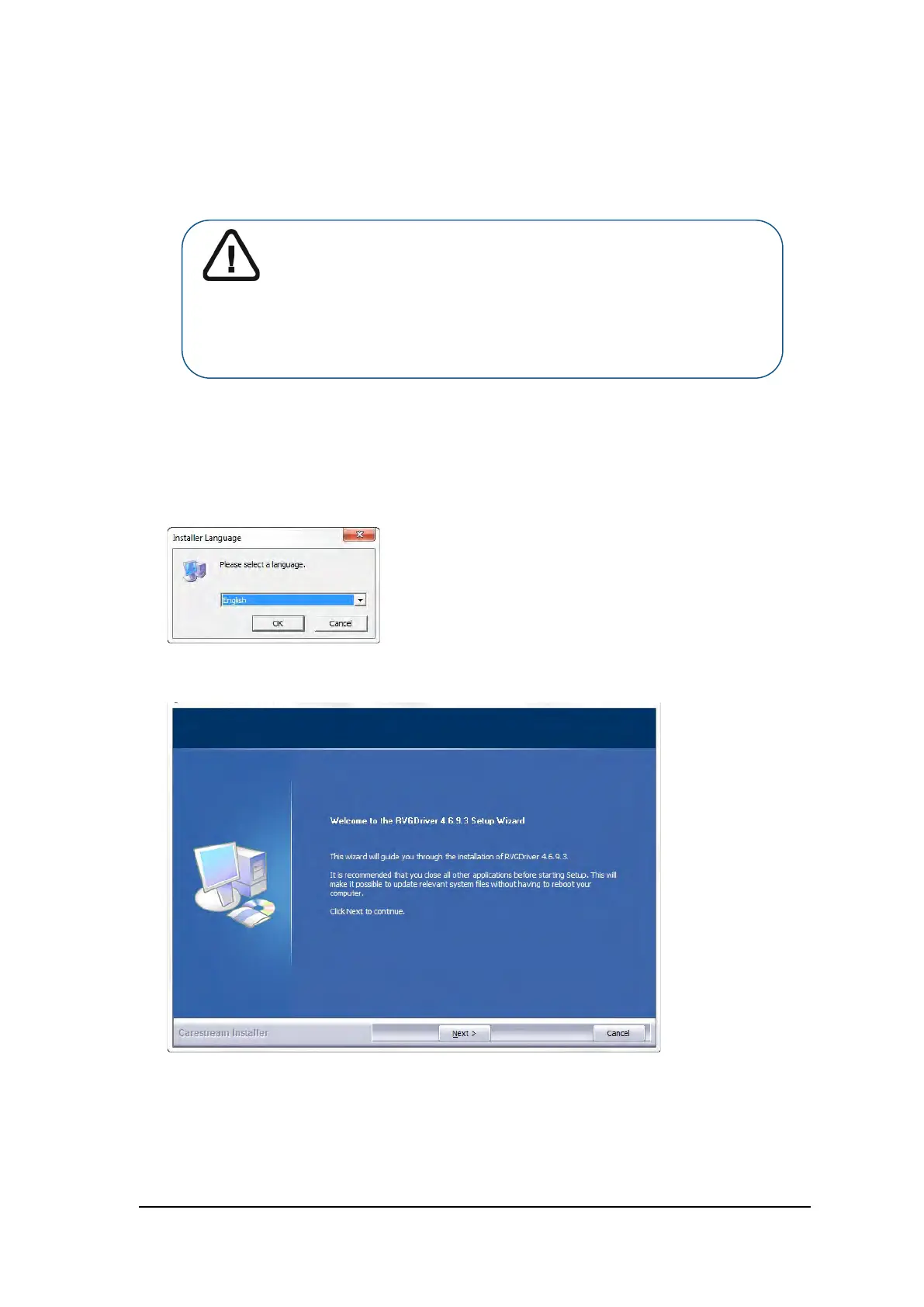
The Installer Language dialog box is displayed:
3. Select the installer language and click OK.
The Welcome to the RVGDriver Setup Wizard dialog box is displayed:
Important: The specific end of support for Windows 7 was January
14, 2020. Microsoft strongly recommends that you move to
Windows 10 to avoid a situation where you need service or
support that is no longer available. The drivers that are
mentioned in this document are Windows 10 compatible. If you
are using Windows 7, contact your dealer for the required
information.



 To Next Page