10 Chapter 4 Setting Up RIOSensor+
9. Click Install the software automatically (Recommended), then click Next.
10. Verify the sensor by running the post installation procedure.
This step is optional.
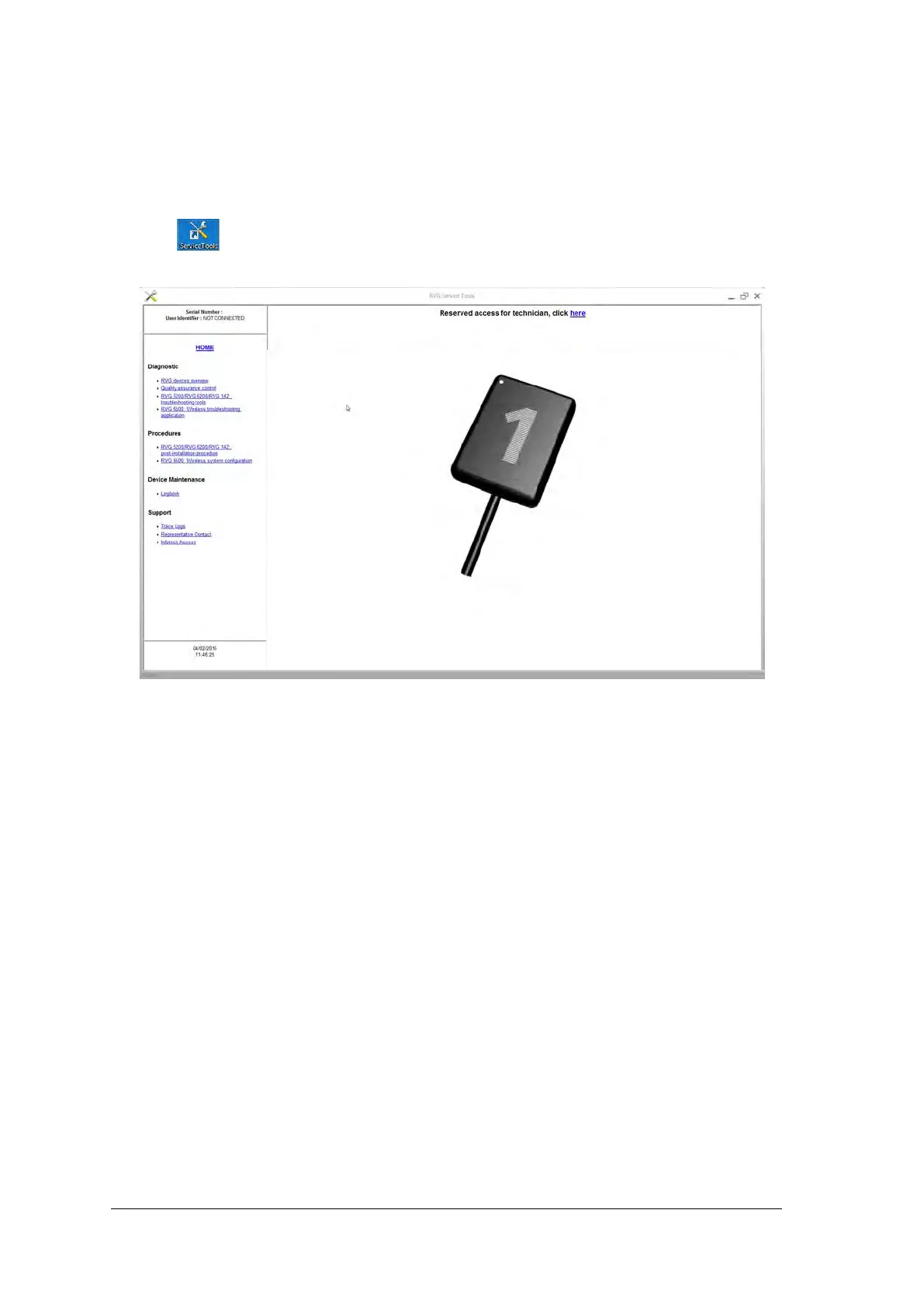
Click on your desktop to start the RIOSensor+ Service Tools.
The Service Tools home page is displayed.
Click Post Installation Procedure then follow the instructions on screen.
Activate the relevant license key when prompted.



 To Next Page