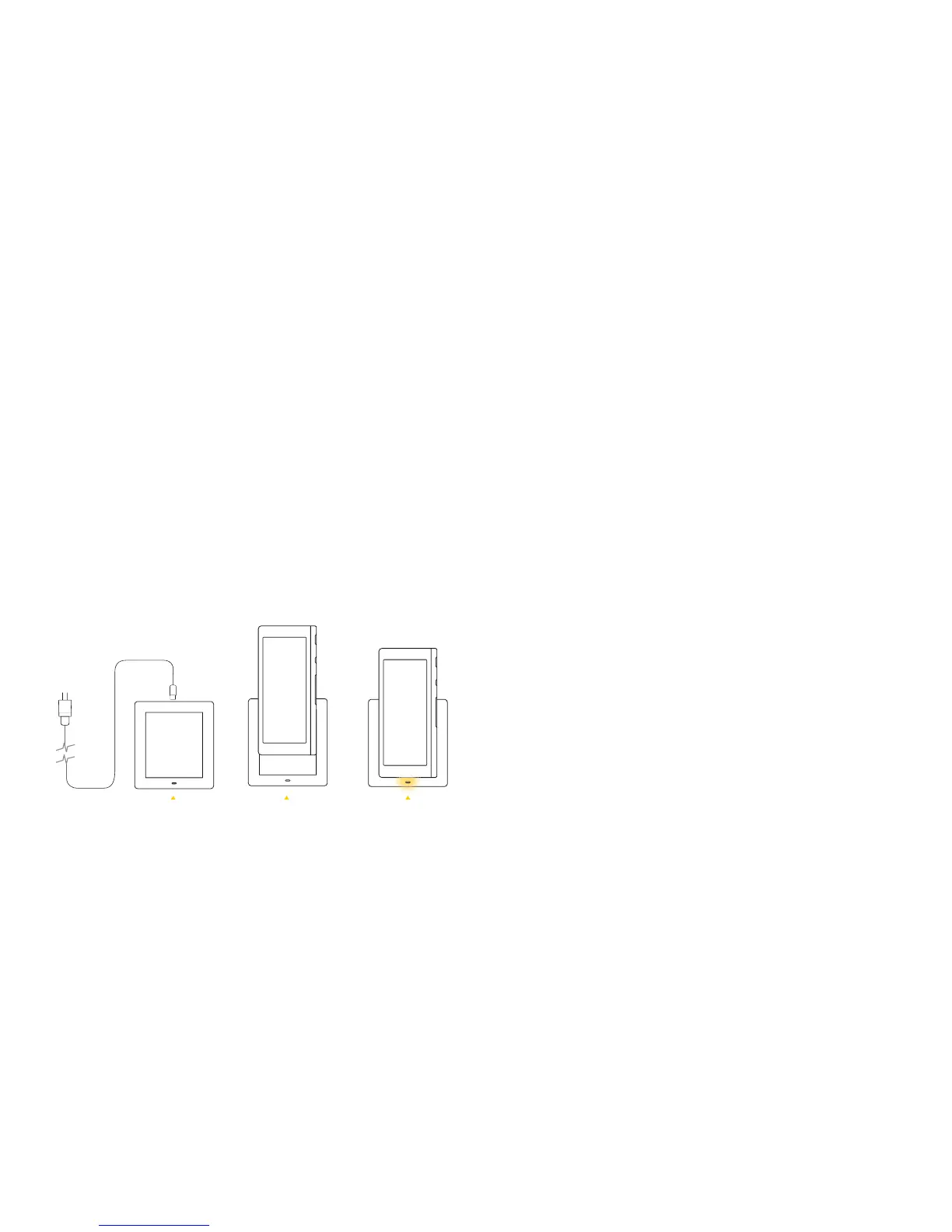
1. Plug in the charging stand.
2. Slide Ray into the charging stand. An LED light will pulse slowly to indicate
that Ray is charging.
3. Allow approximately 3 hours to fully re-charge.
4. When you’re not watching TV, leave Ray in its charging stand so that it’s
always ready when you need it.
Ray comes pre-charged; however, at some point Ray needs to fuel up:
How to Charge Ray
Support
Have questions? A Ray expert can help you solve any issues you may
encounter. Check out our tech support articles at help.ray.co, or call
us at (888) 966-8780. We’re here to help.
Tips
• Something wrong? Check that the TV, set top box, and Wi-Fi are
working properly.
• Seeing a blank screen? Try charging Ray for a few minutes
• Seeing a frozen screen? Try restarting Ray:
1. Hold the Lock button for 5 seconds to turn Ray off.
2. Hold the Lock button for another 5 seconds to restart.
Let Us Help You
17
18
Plug in Place in stand LED should
pulse slowly



 To Next Page