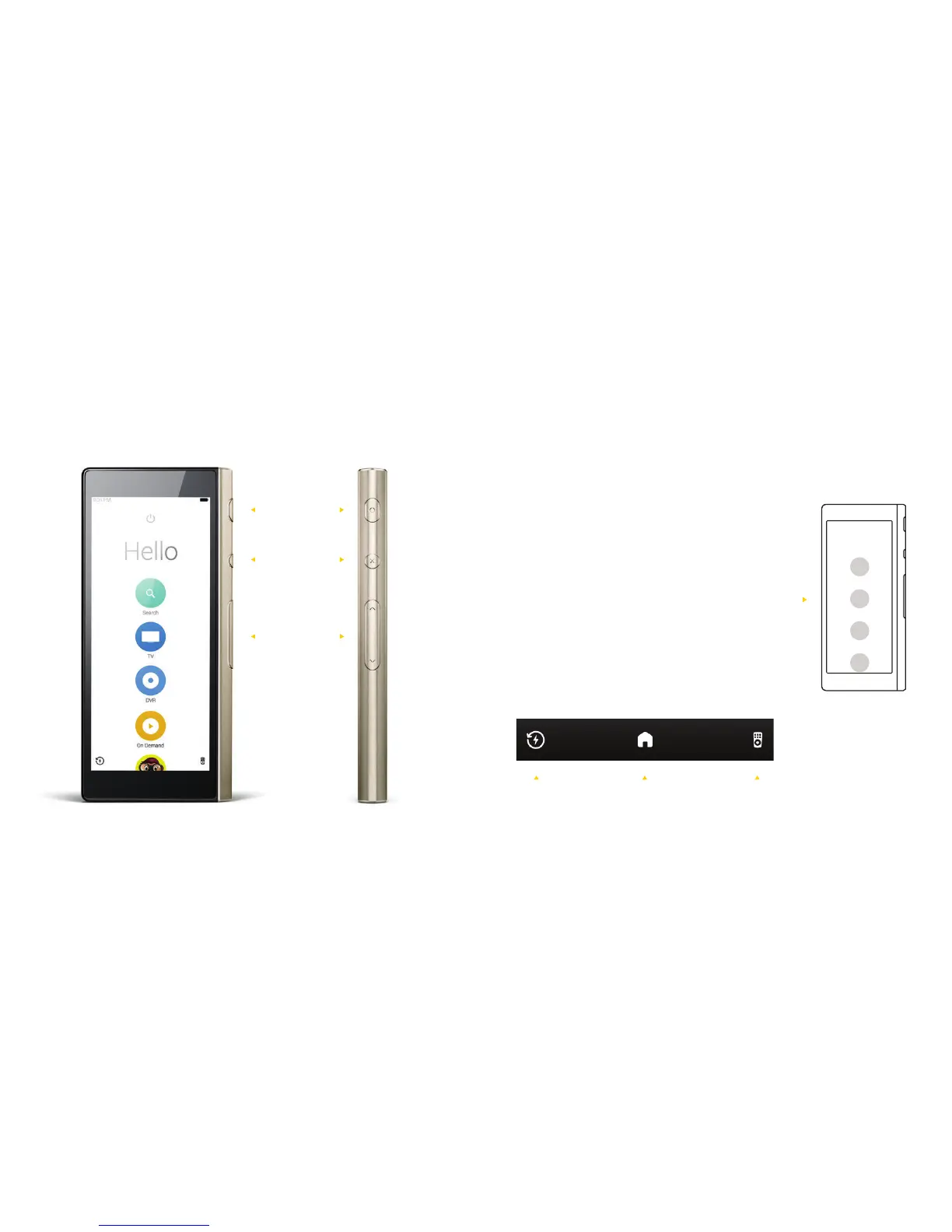
Lock
Mute
Volume
Home
Screen
Icons
Getting Around Ray
Main Buttons
7 8
The navigation bar at the bottom
of the screen gives you easy access
to all the controls you need the most.
Use the circular icons on the
home screen to access and switch
between dierent apps and devices.
HomePower
Management
Remotes



 To Next Page