A Super Easy Setup
Ray comes pre-charged and ready to connect to your favorite
home entertainment devices. If Ray seems to be sluggish or
unresponsive, place it in the charging stand for 30 minutes and
try again.
Have any questions? Visit help.ray.co for more tips.
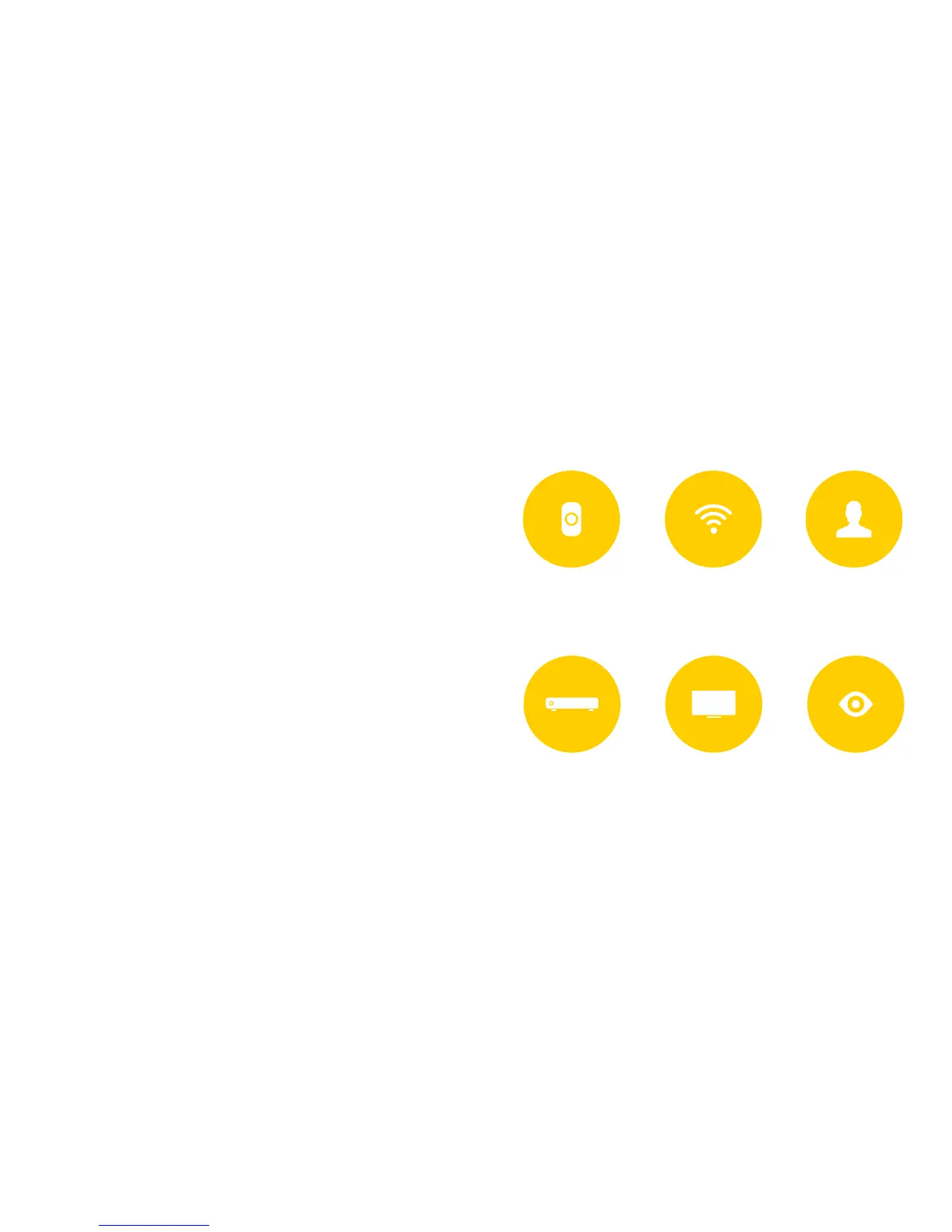
Connect
to Wi-Fi
Wake Ray up by holding
the “Lock” button
1.
4.
2.
5.
3.
6.
Introduce
yourself
Connect to pay
TV provider
Connect to
your devices
Dive in!
6
5
We know, breaking up is hard to do, but it’s time
to say goodbye to your old remotes. Ray works
best in an exclusive relationship with you and
your devices.



 To Next Page