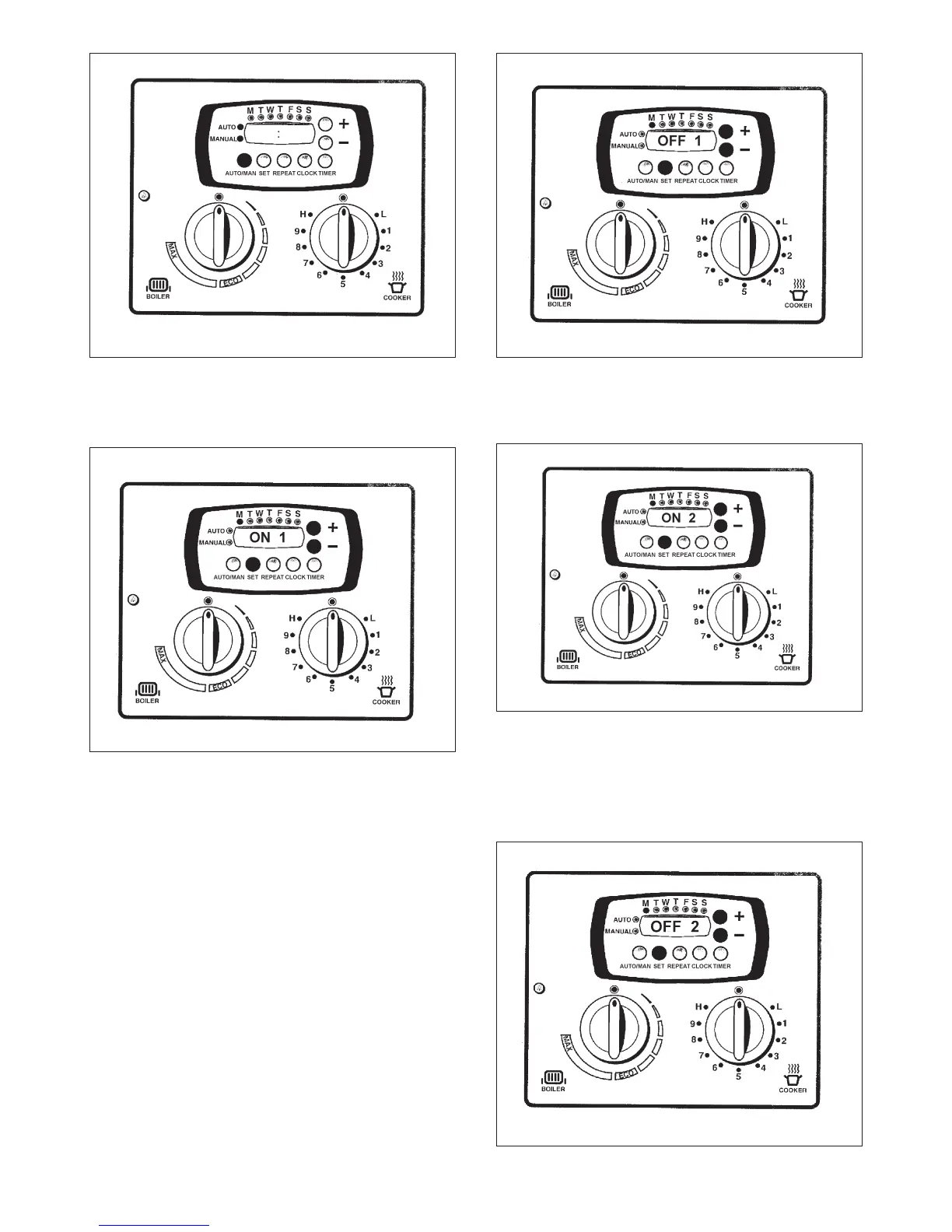
1. By pressing the AUTO/MAN button, this allows the
oven to be used with the programmer or used
manually.
2. An LED will display what is currently set.
1. Ensure that the AUTO mode is being used when
setting the programmer.
2. Press the SET button twice.
3. The display should alternate between ON1 and the
time of day currently set.
4. Adjust to the time required by using + or - buttons to
set time you wish cooker to turn on (e.g. morning).
5. Press SET once to confirm time.
1. The display should alternate between OFF1 and the time of
day currently set.
2. Adjust using + or - to set the time the cooker is to turn off.
3. Press SET once to confirm.
1. The display should alternate between ON2 and the time of
day currently set.
2. Adjust using + or - to set the time the second event is to
begin (evening).
3. Press SET once to confirm.
4. If the second event is not required, set the time to 00:00 and
then press SET.
10
AUTO/MANUAL CONTROL
Fig. 6 DESN 514715
SETTING THE PROGRAMMER - WEEKLY (1)
Fig. 7 DESN 514716
SETTING THE PROGRAMMER - WEEKLY (2)
Fig. 8 DESN 514717
Fig. 9 DESN 514718
SECOND EVENT
DESN 514719Fig. 10
SECOND EVENT




 To Next Page