1. The display should alternate between OFF 2 and the time of
day currently set.
2. Adjust using + or - to set the time the second event is to end.
3. Press SET once to confirm.
4. Again, if this is not required set the time to 00:00 and then
press SET.
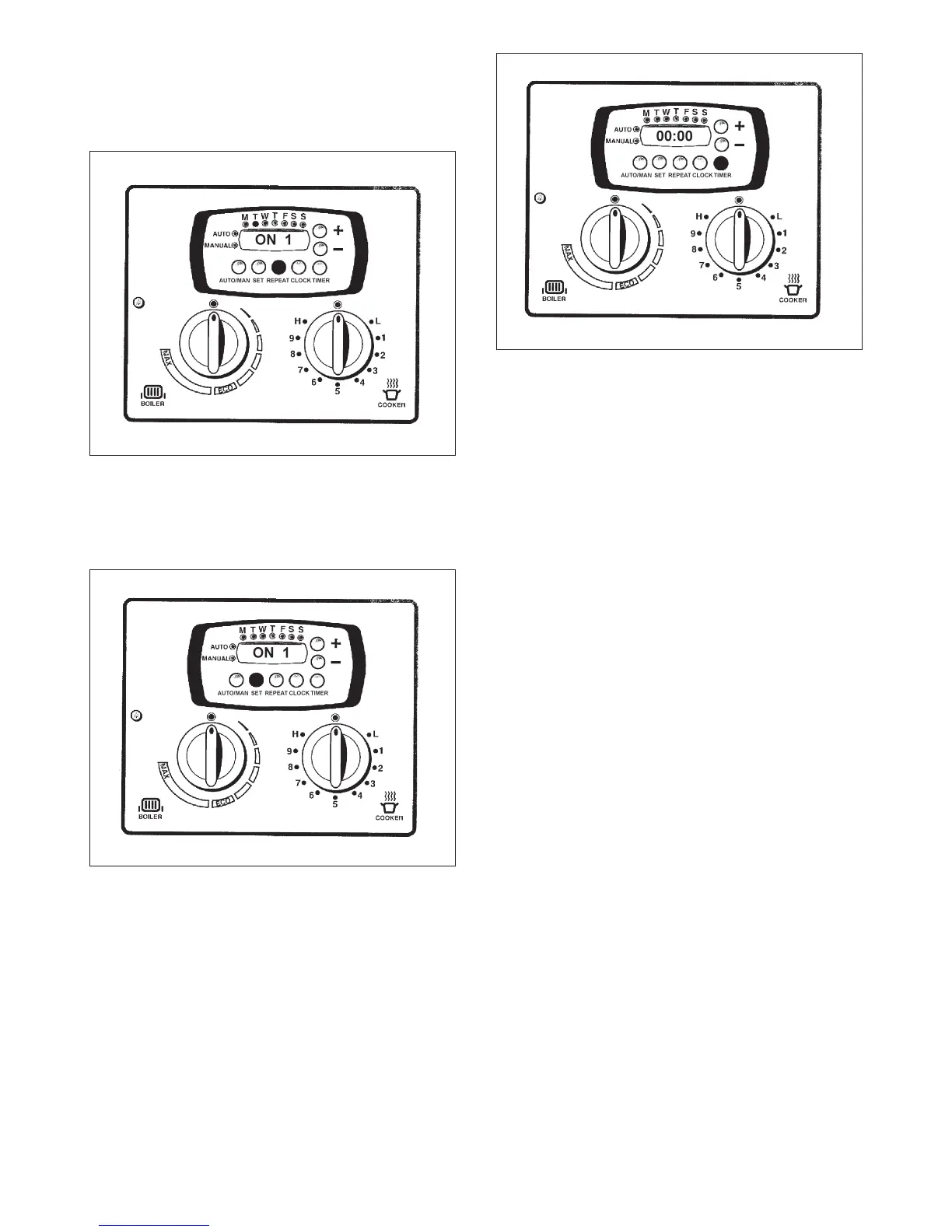
1. To repeat the first event of the previous day, press the
REPEAT button once.
2. To repeat the second event of the previous day. press the
REPEAT button once.
3. Alternatively, to set different times from the previous day,
alter the required time.
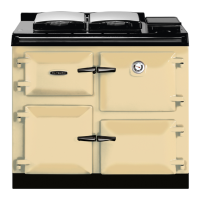
1. To set individual days, press SET once.
2. Adjust to the day required using + or - buttons.
3. Press SET to confirm the day chosen.
4. Adjust to the new times required as before.
5. Again, if an event is not needed set to 00:00.
6. Once day is set (both events), display should default to time
of day.
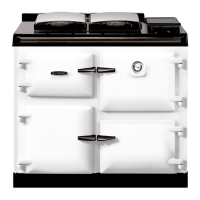
1. Press the TIMER button once.
2. 00.00 should be displayed.
3. Adjust to the time required using + or - buttons.
4. Press TIMER to confirm.
5. Press TIMER to show the time of day. To check the
remaining time on the minute minder, press TIMER once
then press TIMER again to show the time of day. Once
the timer has finished, it will flash 00:00 and a buzzer will
sound. To stop press TIMER.
To return to MANUAL mode at any time whilst programming,
press the AUTO/MAN button and time of day will be
displayed.
11
REPEATING DAYS
Fig. 11
DESN 514720
SETTING THE PROGRAMMER - DAILY
Fig. 12
DESN 514721
SETTING THE MINUTE MINDER
Fig. 13
DESN 514722




 To Next Page