EasyManua.ls Logo

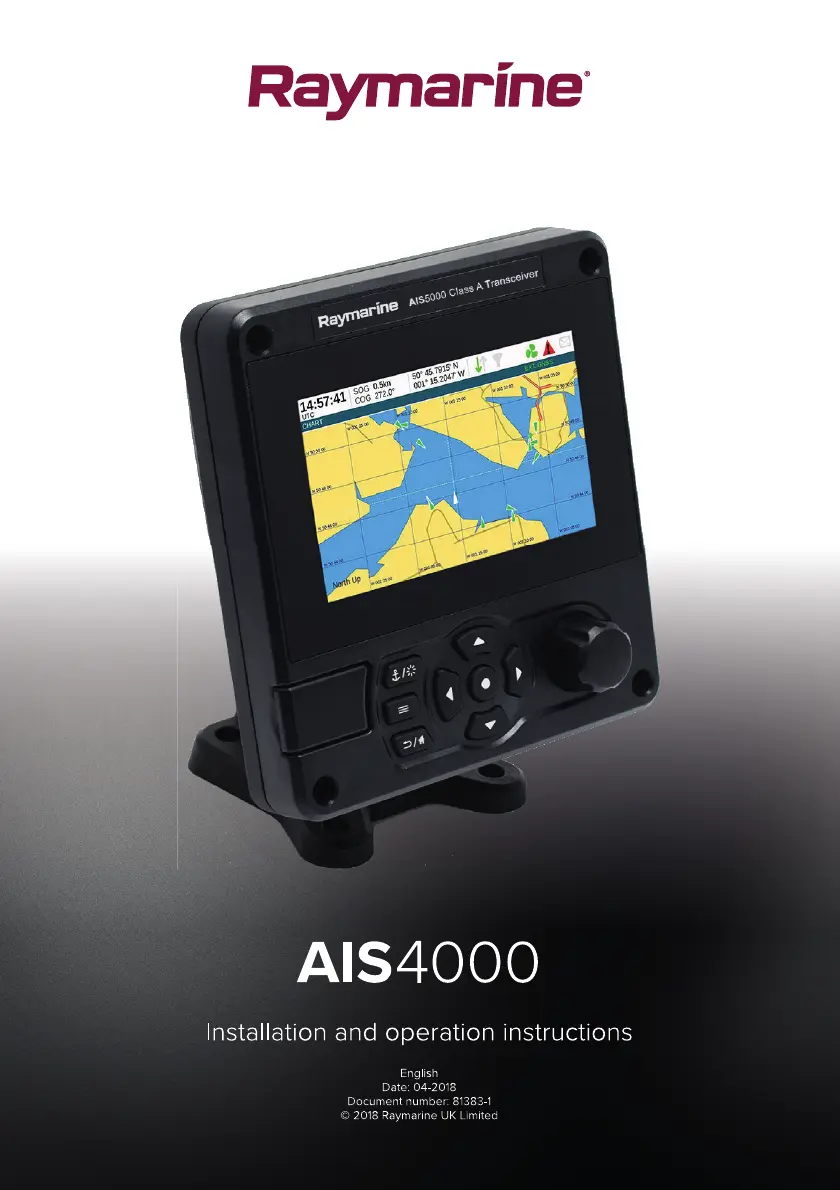
Raymarine 4250031 - User Manual

Raymarine 4250031
120 pages
Print Icon
To Next Page IconTo Next Page
Loading...

Table of Contents

Questions and Answers

  • B
    Bailey JohnsonAug 16, 2025
    Why is the red alarm icon flashing on my Raymarine 4250031?
    • J
      Jerome CraneAug 16, 2025
      The red alarm icon may illuminate or flash on your Raymarine Transceiver for several reasons: * The unit may not have a valid MMSI: Check that the AIS transceiver is correctly configured with a valid MMSI. * The VHF antenna may be faulty: Check the connection to the VHF antenna and ensure the VHF antenna is not damaged. * No GPS position fix can be obtained: Check the AIS transceiver's location to ensure the internal GPS antenna has a clear sky view, or verify that an external GPS antenna is properly connected and installed. * The power supply is outside the allowable range: Check that the power supply is within the range of 10.8VDC to 31.2VDC. * Check for error and alarm messages in the ‘Alarms’ menu.
  • J
    jennifer11Aug 22, 2025
    Why is my vessel name not showing on other vessels' chart plotters when they receive my Raymarine 4250031 Transceiver MMSI?
    • M
      Mary Mcdonald DDSAug 22, 2025
      Some older AIS devices and chart plotters do not process the specific class B message which provides the vessel name (message 24). Software upgrades are available for many older chart plotters which will correct this issue. Alternatively, the other vessel should update its AIS unit and / or chart plotting software to receive AIS message 24.
  • C
    Craig FoxAug 25, 2025
    What to do if the screen on my Raymarine 4250031 is not illuminated?
    • P
      Parker BestAug 26, 2025
      If the screen on your Raymarine Transceiver is not illuminated: * Check that the power supply is connected correctly. * Ensure that the power supply is a 12VDC or 24VDC supply. * Press and hold the ‘Navigation status / Screen brightness’ button for at least 5 seconds to return the display to maximum brightness.
  • M
    Michelle WilsonAug 27, 2025
    What causes a VSWR alarm or high VSWR on a Raymarine 4250031?
    • N
      Nathan RothAug 27, 2025
      A VSWR alarm or high VSWR on your Raymarine Transceiver can be caused by several factors. To resolve this: * Ensure the VHF Antenna is as far away as possible from metallic structures and any other antennae. * Ensure the VHF Antenna is as high as possible. * Ensure the VHF Antenna is suitable for AIS i.e. 3dBi Gain, 156-162MHz, and uses high quality RG213 or RG214 cable. * The VHF Antenna cable should be as short as possible and no more than 30 metres (100ft) in length.
  • A
    Ashley MillerAug 30, 2025
    Why are external sensors not being recognized by my Raymarine 4250031 Transceiver?
    • E
      Erik HallAug 30, 2025
      If external sensors are not being recognized by your Raymarine Transceiver, check the Compatibility Mode option in the Interface Settings Menu, verify the Baud Rate setting, and ensure the wiring is correct.
  • A
    Anne NelsonSep 2, 2025
    What to do if the RED ‘Alarm’ icon is illuminated on my Raymarine Transceiver?
    • R
      Russell ConleySep 2, 2025
      If the red 'Alarm' icon is illuminated or flashing on your Raymarine Transceiver, ensure that the AIS transceiver is correctly configured with a valid MMSI. Also, verify the connection to the VHF antenna, ensuring it's not damaged. Confirm that the AIS transceiver has a clear view of the sky for the internal GPS antenna or that an external GPS antenna is properly connected and installed. Check that the power supply is within the range of 10.8VDC to 31.2VDC, and review the 'Alarms' menu for any error messages.
  • L
    Lisa RobbinsSep 4, 2025
    How to fix Raymarine 4250031 when no data is being received by the chart plotter?
    • M
      Meghan BlairSep 5, 2025
      If your Raymarine Transceiver is not sending data to the chart plotter, first, check that the power supply is correctly connected. Then, ensure the power supply is a 12VDC or 24VDC supply. Finally, check that the connections to the chart plotter are correct.
  • W
    Wendy HernandezSep 7, 2025
    How to fix the screen if it is not illuminated on my Raymarine Transceiver?
    • C
      Cassandra WhiteSep 7, 2025
      If the screen of your Raymarine Transceiver is not illuminated, verify that the power supply is correctly connected and that it is a 12VDC or 24VDC supply. If the power is ok, press and hold the ‘Navigation status / Screen brightness’ button for at least 5 seconds. The display should return to maximum brightness.
  • J
    Jacqueline LaneSep 10, 2025
    What causes VSWR Alarm on Raymarine 4250031?
    • R
      ryan98Sep 12, 2025
      If you are experiencing a VSWR Alarm or High VSWR on your Raymarine Transceiver, make sure the VHF Antenna is as far away as possible from metallic structures and any other antennae. Ensure the VHF Antenna is as high as possible. Verify the VHF Antenna is suitable for AIS (3dBi Gain, 156-162MHz, and uses high quality RG213 or RG214 cable). Also, the VHF Antenna cable should be as short as possible and no more than 30 metres (100ft) in length.
  • J
    jgonzalezSep 10, 2025
    How to fix Raymarine 4250031 Transceiver when no data is being received by a connected chart plotter?
    • L
      lorettaconleySep 12, 2025
      If your Raymarine Transceiver is not sending data to the chart plotter, verify that the power supply is correctly connected and is either a 12VDC or 24VDC supply. Also, check that the connections to the chart plotter are correct.

Raymarine 4250031 Specifications

General IconGeneral
ModelAIS700
Power Output2W
RangeUp to 20 nautical miles
AIS Transmission Power2 W
TypeAIS Transceiver
Frequency161.975 MHz

Related product manuals