13
3. Insert and tighten all eight (8) wrench bolts, secur-
ing the pump body in place.
4. You will now be able to install the pump cover. See
Fig. 18 and 19.
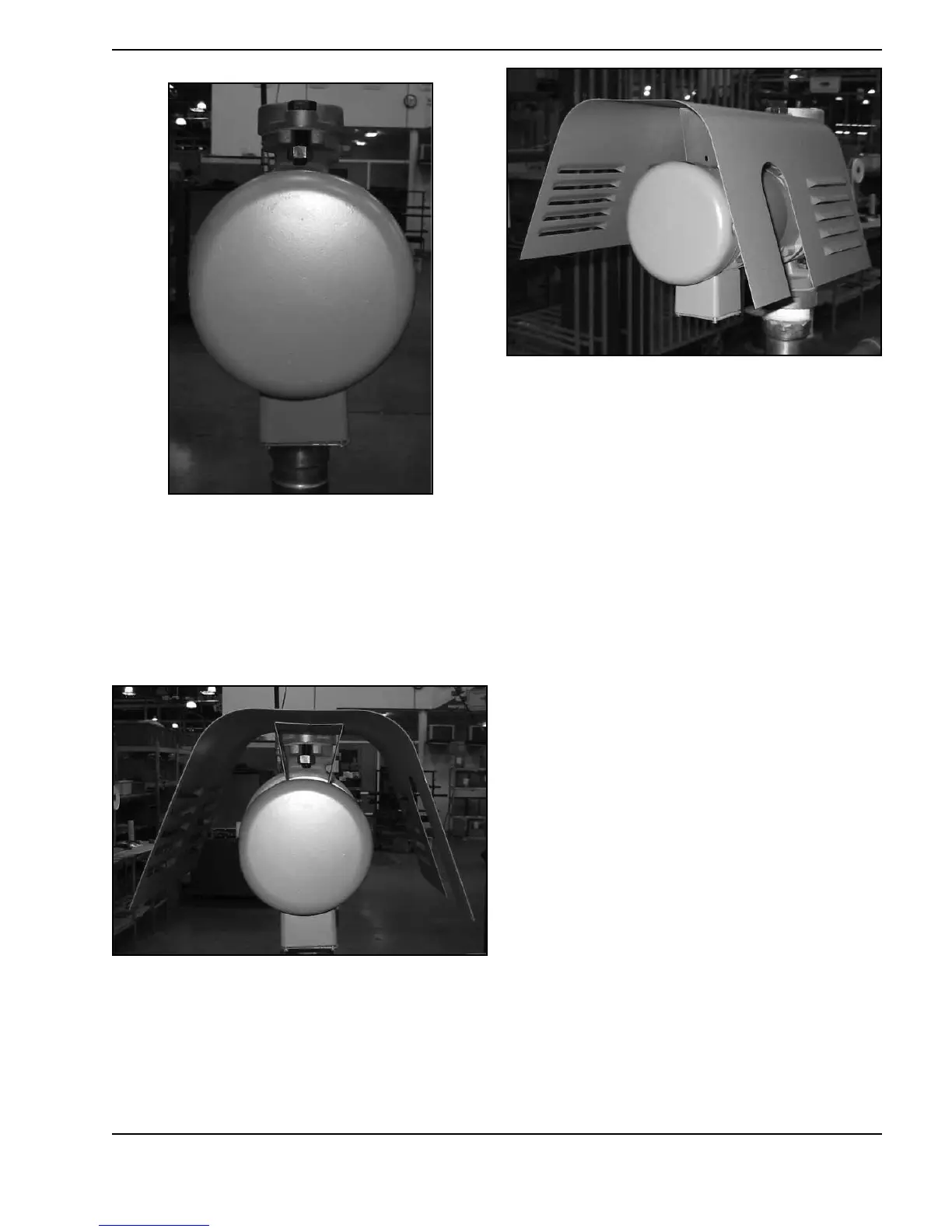
Fig 15: Reposition the pump body so that the electrical
box points downward
Fig. 16: Place the cover on the pump
Fig 17: Pump cover - angle view




 To Next Page