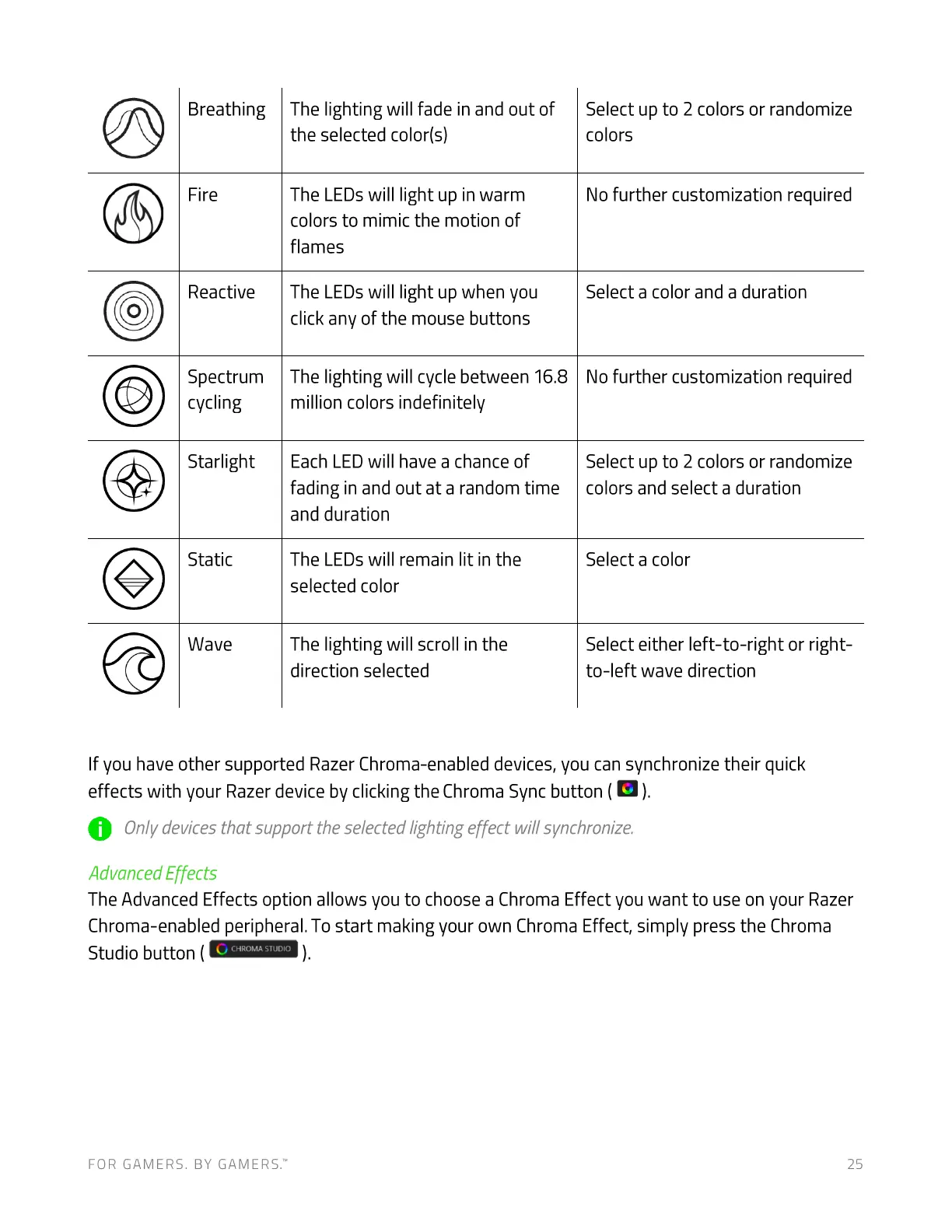
Breathing
Fire
Reactive
Spectrum
cycling
Starlight
Static
Wave
The lighting will fade in and out of
the selected color(s)
The LEDs will light up in warm
colors to mimic the motion of
flames
The LEDs will light up when you
click any of the mouse buttons
The lighting will cycle between 16.8
million colors indefinitely
Each LED will have a chance of
fading in and out at a random time
and duration
The LEDs will remain lit in the
selected color
The lighting will scroll in the
direction selected
Select up to 2 colors or randomize
colors
No further customization required
Select a color and a duration
No further customization required
Select up to 2 colors or randomize
colors and select a duration
Select a color
Select either left-to-right or right-
to-left wave direction
If you have other supported Razer Chroma-enabled devices, you can synchronize their quick
effects with your Razer device by clicking the Chroma Sync button ( ).
O Onlydevicesthatsupporttheselectedlightingeffectwillsynchronize.
Advanced Effects
The Advanced Effects option allows you to choose a Chroma Effect you want to use on your Razer
Chroma-enabled peripheral. To start making your own Chroma Effect, simply press the Chroma
Studio button (
CHROMA STUDIO
FOR GAMERS. BY GAMERS.W 25








 To Next Page