7 | razer™
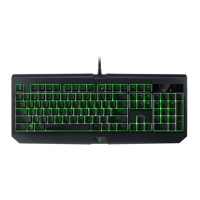
6. USING YOUR RAZER BLACKWIDOW STEALTH EDITION
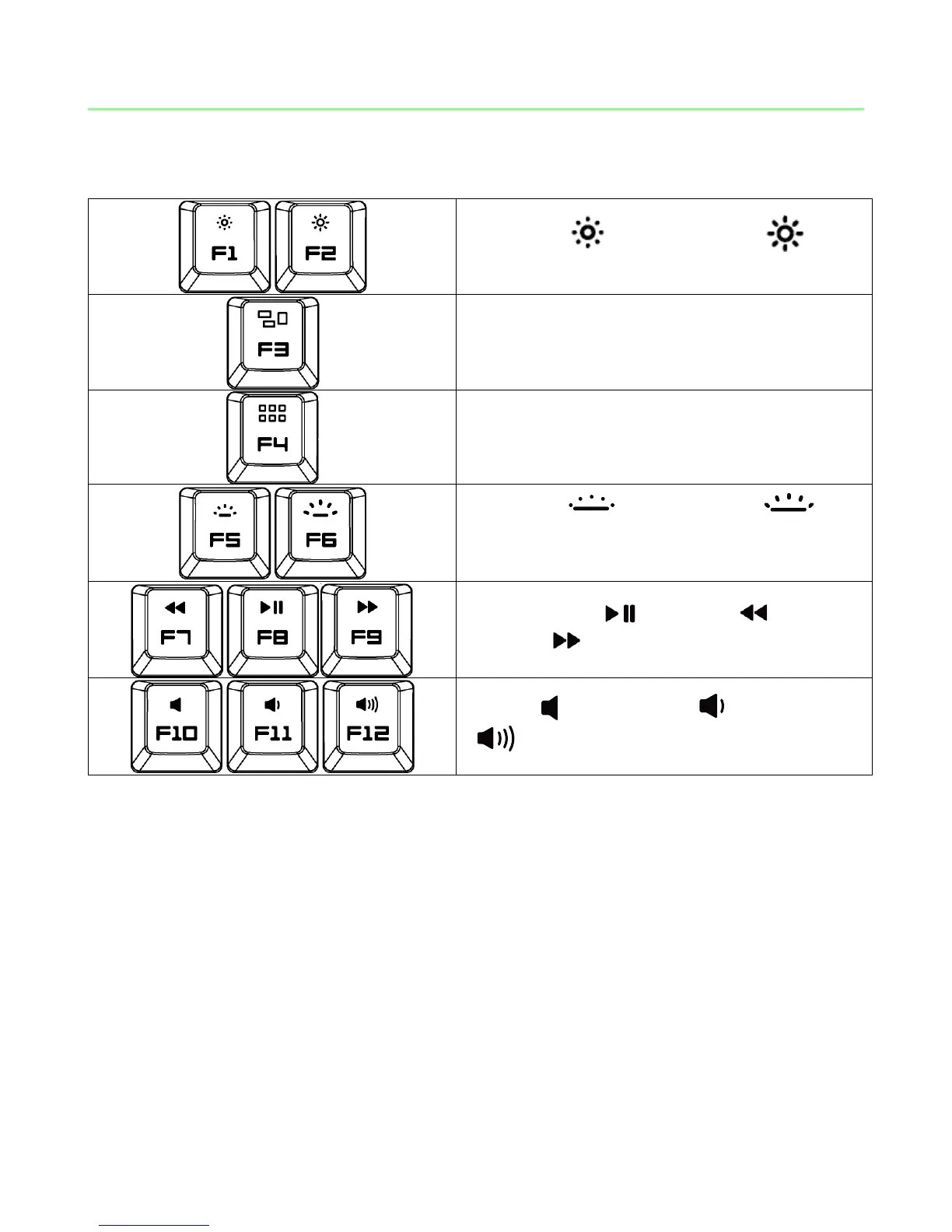
Decrease ( ) or increase ( ) the
brightness of your display.*
Activate Mission Control / Exposé function.*
Activate Launchpad / Dashboard function.*
Decrease ( ) or increase ( ) the
brightness of your keyboard’s logo lighting.
Play / Pause ( ) rewind ( ) or Fast-
forward ( ) a song, movie or slideshow.
Mute ( ), decrease ( ) or increase
( ) the audio output.
*Note: You will need to install Synapse 2.0 first before you can use these functions.






 To Next Page