8 | For gamers by gamers™
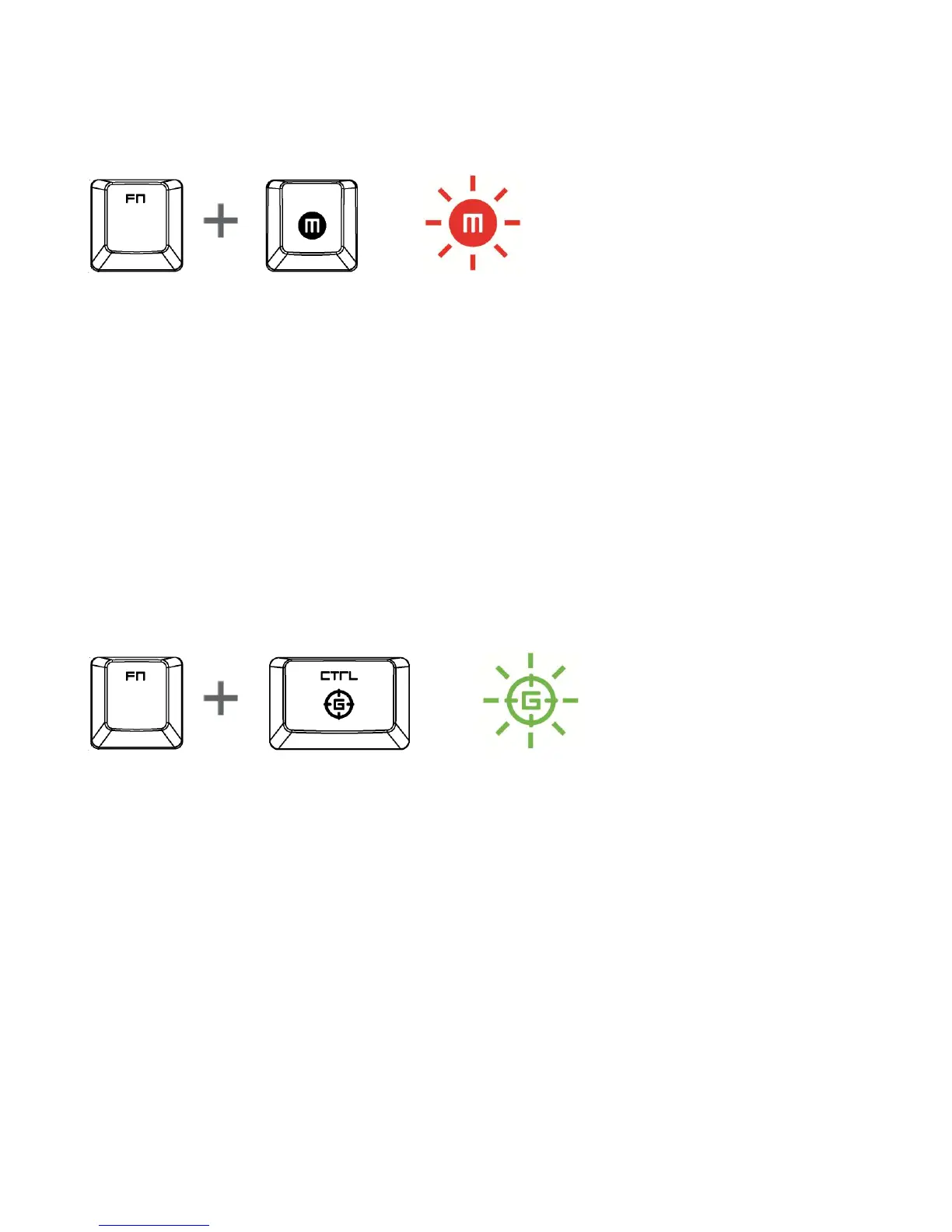
ON-THE-FLY MACRO RECORDING
Follow these steps to create an OTF Macro Recording:
1. Press both the FN key and Macro key to start recording.
2. The Macro Recording Indicator will light up to show that the device is ready to
record.
3. Type in the keys you want to record.
4. Press the Macro key to stop the recording or the ESC key to cancel recording.
The Macro Recording Indicator will start to blink to show that the device has
stopped recording and is ready to save the macro.
5. Press the desired key where you want to save your macro.
GAMING MODE
Activating the Gaming Mode allows you to toggle between the multimedia keys and
the function keys as your primary function. An indicator will light up when Gaming
Mode is turned ON.






 To Next Page