9 | razer™
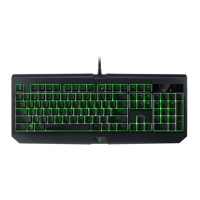
7. CONFIGURING YOUR RAZER BLACKWIDOW STEALTH EDITION
Disclaimer: The features listed here require you to log into Razer Synapse 2.0. These features are also subject
to change based on the current software version and your Operating System.
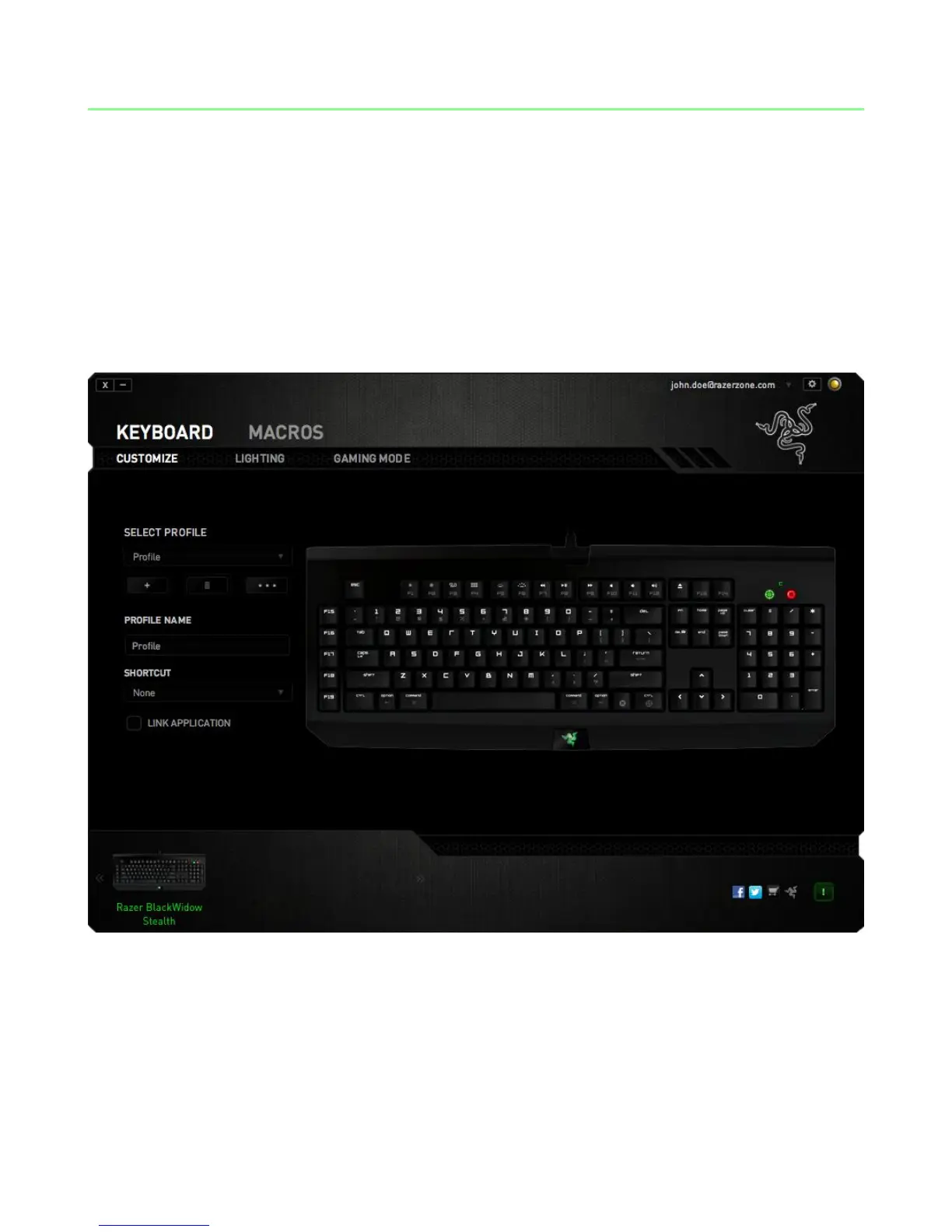
KEYBOARD TAB
The Keyboard Tab is your default tab when you first install Razer Synapse 2.0. This tab
allows you to customize your device’s profiles and key assignments.






 To Next Page