Aside from allowing you to download drivers or firmware updates for your Razer Blade Stealth 13 and other supported Razer
peripherals, Razer Synapse also enables you to customize all your Razer devices’ advanced settings and lighting effects. When
logged in, these custom settings are automatically stored to the cloud so that they can be accessed from any computer.
1. Make sure your laptop has an active internet
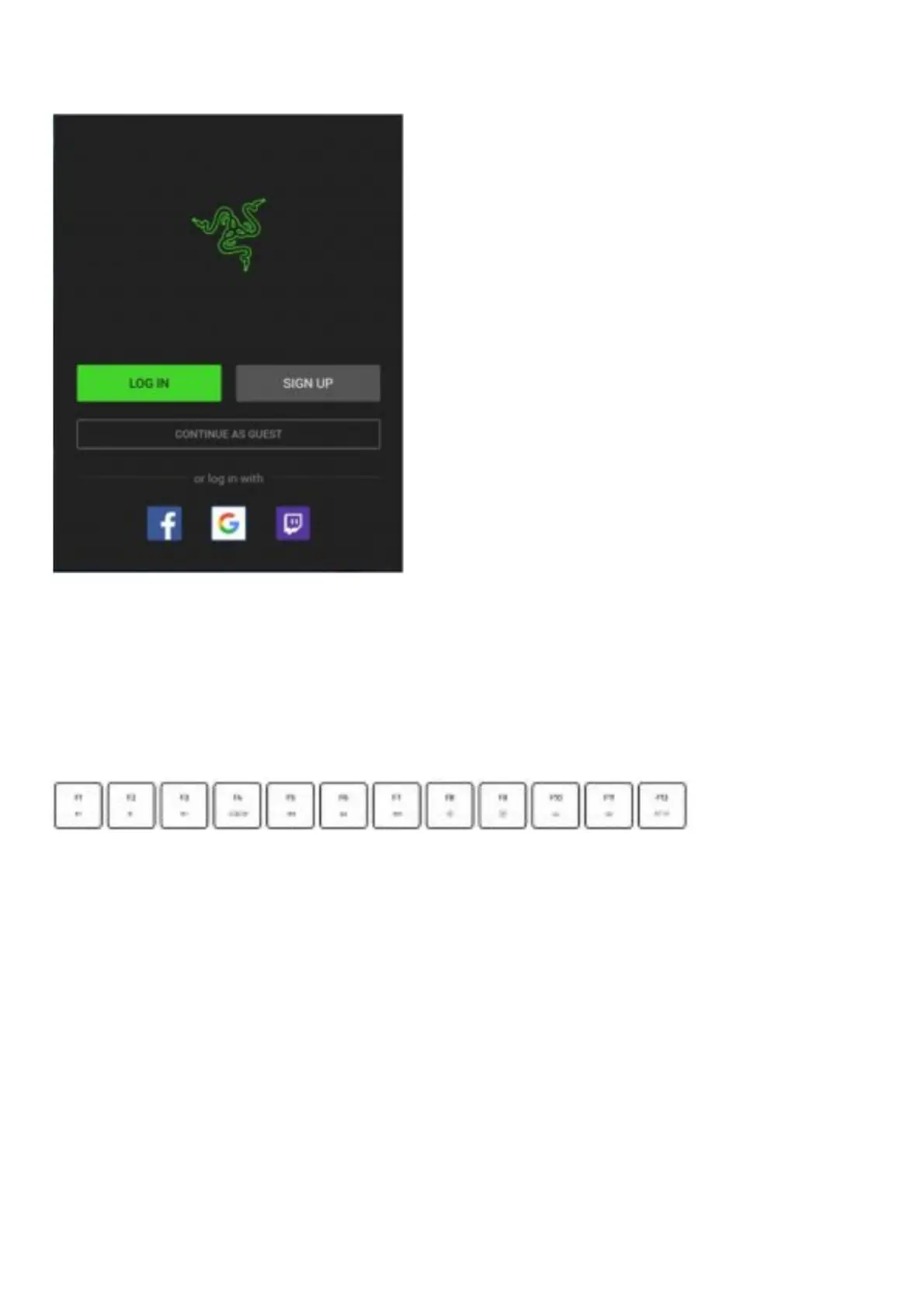
2. By default, Razer Synapse will start automatically once you enter Windows Simply sign up for a Razer ID or log in with an
existing account.
e You may also continue as a guest; however, you won’t be able to store and o[your settings to the cloud.
3. Wait until Razer Synapse automatically downloads and installs the necessary
5. USING YOUR RAZER BLADE STEALTH 13
KEYBOARD FEATURES
Pressing the “fn” key in combination with the function keys will activate their secondary functions.



 To Next Page