Function keys Secondary function description
The audio volume controls allow you to mute ( ), decrease ( ) and increase ( ) the audio output.
Toggles the monitor output.
The media keys allow you to play/pause ( ) the current track, return to the previous track ( ) or skip to the
next track ( ).
The screen brightness keys allow you to decrease ( ) or increase ( ) the brightness of the Razer Blade
Stealth 13’s screen.
The LED control keys allow you to decrease ( ) or increase ( ) the brightness of your keyboard’s
LEDs.
6. CONFIGURING YOUR RAZER BLADE STEALTH 13
Disclaimer: Internet connection is required [or installation, updates and cloud-based [eatures. Pegistering [or a Pazer lD
account is recommen ded, but optional. All listed [eatures are subject to change based on the current software version, connected
device(s), and supported apps and soft ware.
SYNAPSETAB
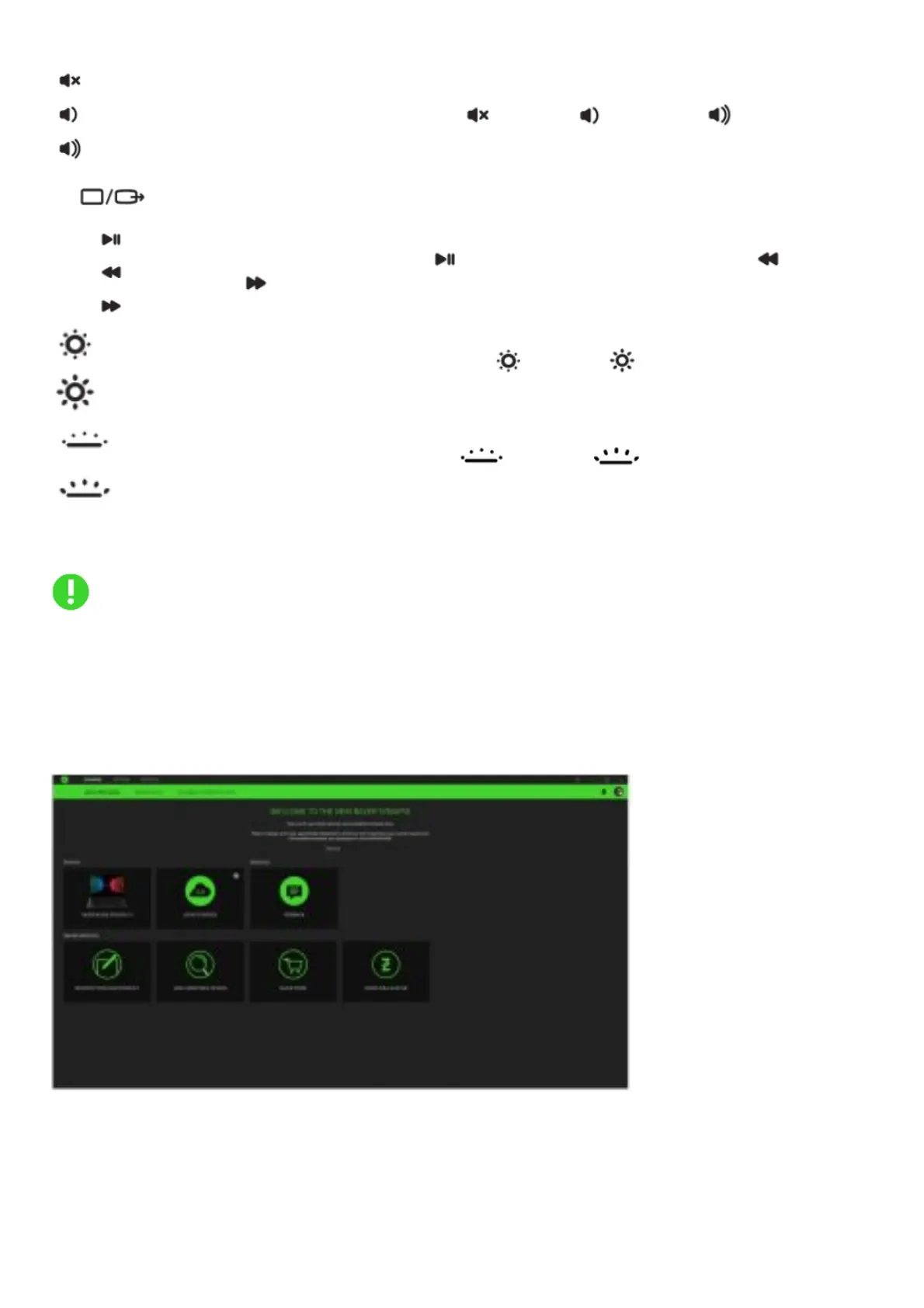
The Synapse tab is your default tab when you first launch Razer Synapse.
Dashboard
The Dashboard subtab is an overview of your Razer Synapse where you can access all your Razer devices, modules, and online
services.
Modules
The Modules subtab displays all installed and available modules for installation.



 To Next Page