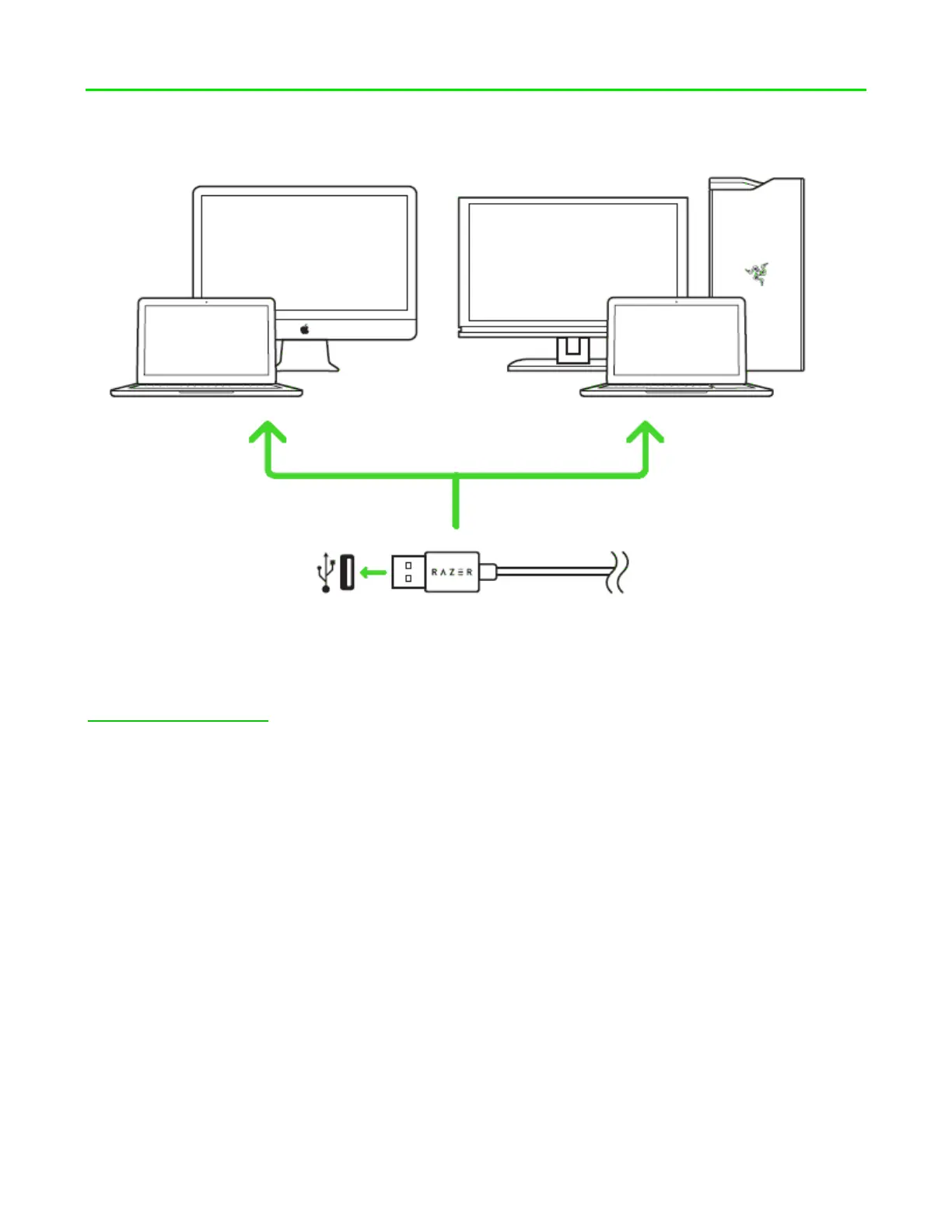
5. INSTALLING RAZER SYNAPSE FOR YOUR RAZER ELECTRA V2 USB
Step 1: Connect your Razer device to the USB port of your computer.
Step 2: Install Razer Synapse when prompted* or download the installer from
razerzone.com/synapse.
Step 3: Create your Razer ID or log into Razer Synapse with an existing account.
*Applicable for Windows 8 or later.
Note: The Razer Electra V2 USB headset works out of the box as a stereo headset, please install Razer
Synapse to set up virtual 7.1 surround sound.










 To Next Page