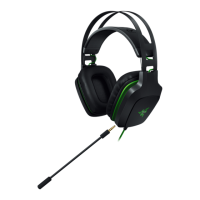
6. USING YOUR RAZER ELECTRA V2 USB
SETTING THE DEFAULT PLAYBACK DEVICE
If you are using the Razer Kraken 7.1 Chroma headset for the first time, you may be required to set up
the device as your system’s default playback device.
FOR WINDOWS USERS
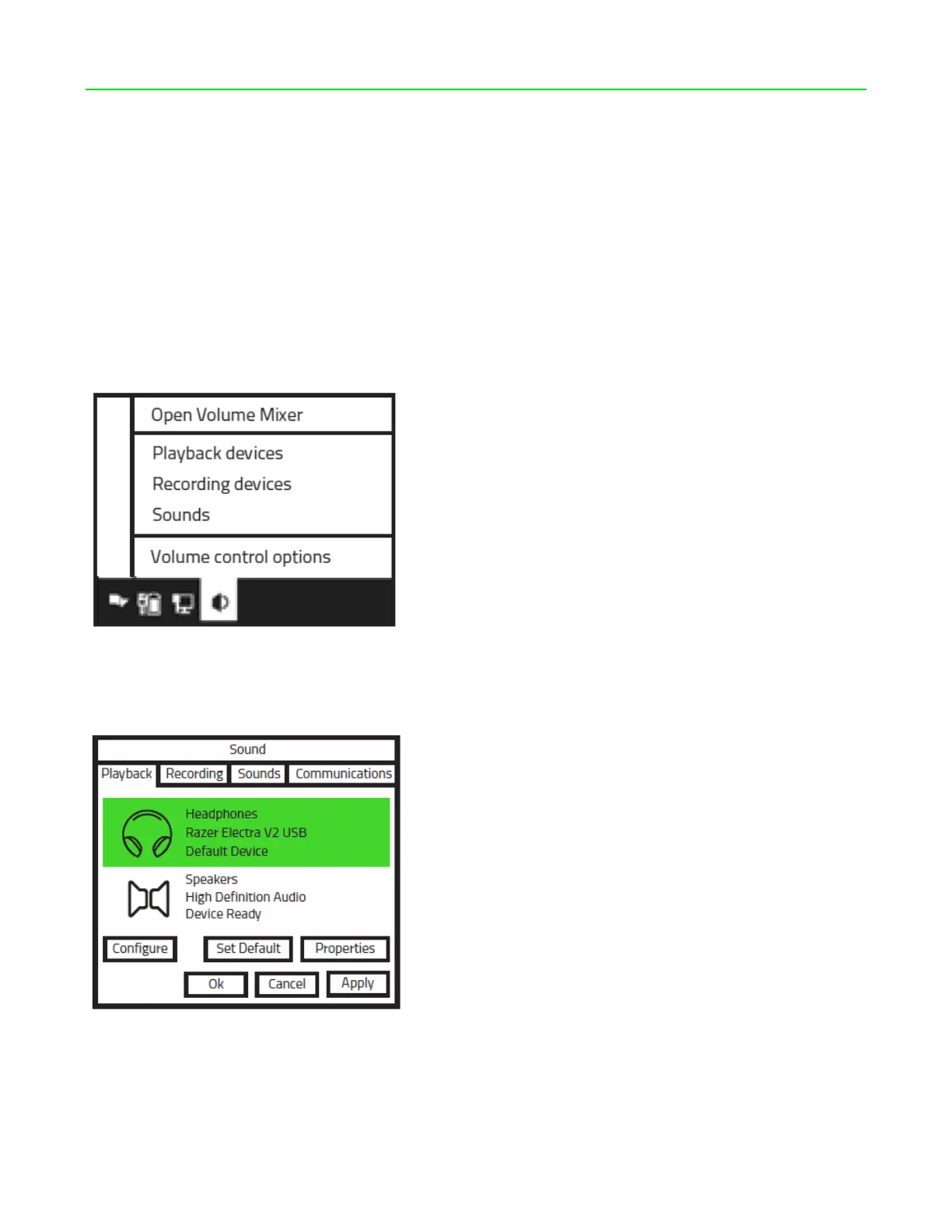
Step 1: Open your Sound settings from Control Panel > Hardware and Sound > Manage audio
devices. You can also right-click your sound icon on the system tray and select Playback devices.
Step 2: In the Playback tab, select Razer Kraken 7.1 Chroma from the list and click the Set Default
button.









 To Next Page