If you have other supported Razer Chroma-enabled devices, you can synchronize their quick
effects with your Razer device by clicking the Chroma Sync button ( ).
Advanced Effects
The Advanced Effects option allows you to choose a Chroma Effect you want to use on your
Razer Chroma-enabled peripheral. To start making your own Chroma Effect, simply press the
Chroma Studio button ( ). Click here to learn more about the Chroma Studio
Power
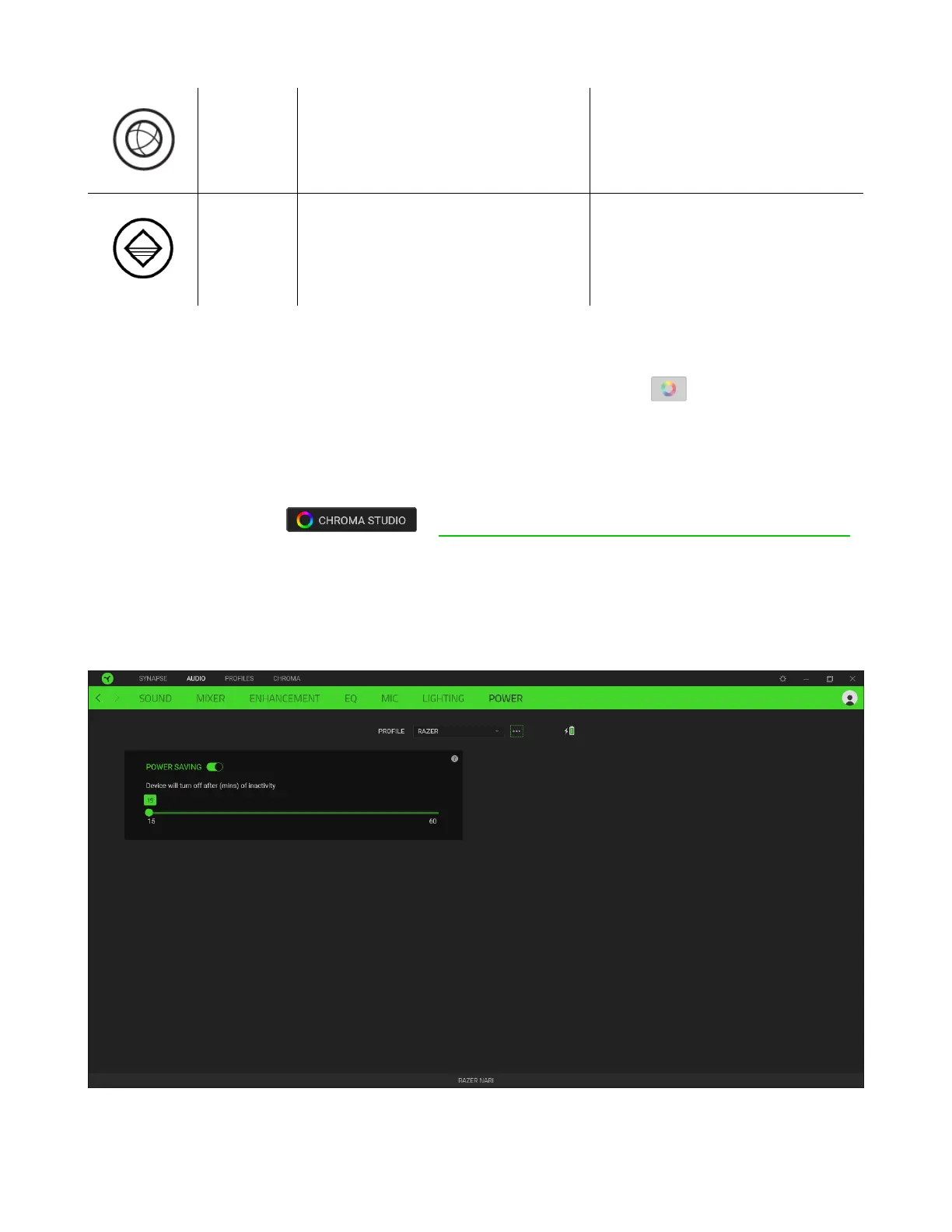
The Power subtab allows you to manage your device’s energy consumption when running on
batteries. You can set your device to enter sleep mode when it has been idle for a certain
amount of time.














 To Next Page