Effect Layer
Lighting effects are arranged in layers wherein the topmost layer takes priority. You can group
multiple lighting effects by clicking the Add Group button ( ) and dragging the layers you
want to group to the newly added folder, duplicate a layer by clicking the Copy button ( ),
or delete a layer by clicking the Trash button ( ). Some layers may have overlapping
effects, so you may need to arrange layers in a specific order.
Add Effect
All supported quick effects are listed under the Add Effect option which you can click to insert
onto the Effect Layer. Quick Effects can be edited on the Chroma Studio by allowing you to
change its preset color, properties, and playback options.
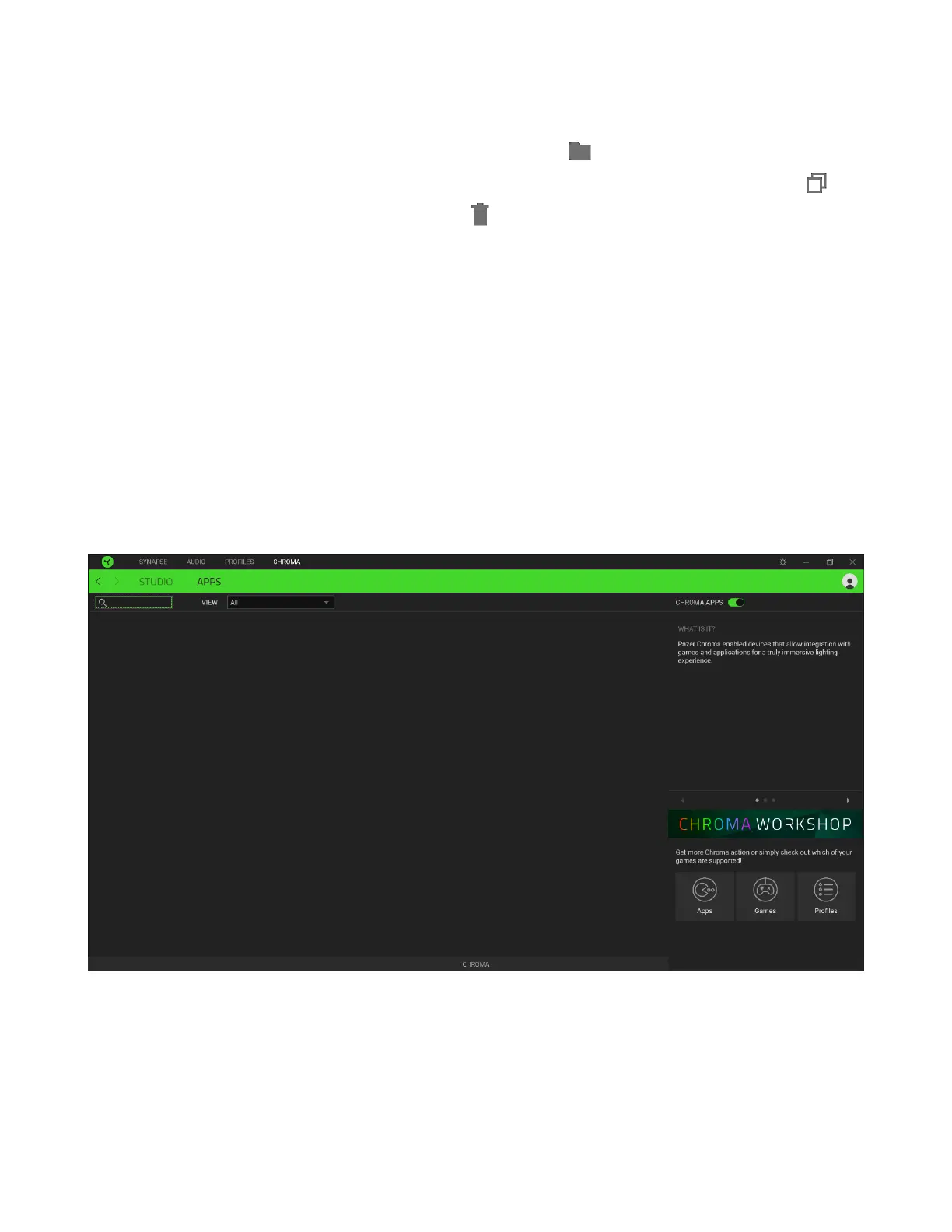
Apps
The Apps subtab is where you can enable or disable third party integrated apps for your
Razer Chroma-enabled peripherals. The Apps tab can also direct you to the Chroma
Workshop where you can download these third-party apps.














 To Next Page