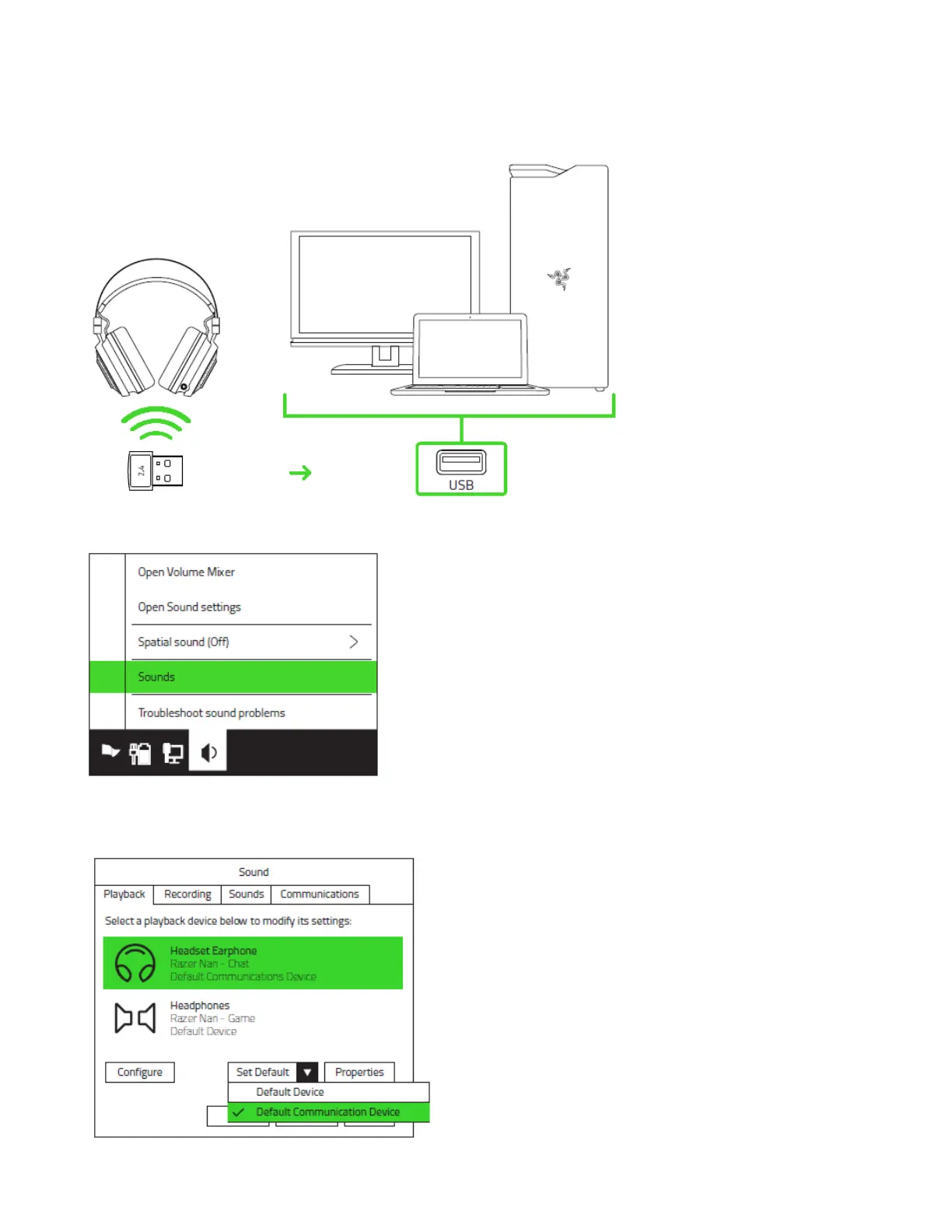
CONNECTING TO YOUR PC VIA USB PORT
1. Plug the USB wireless transceiver to your PC.
2. Right-click on the sound icon on the system tray, and then select Sounds.
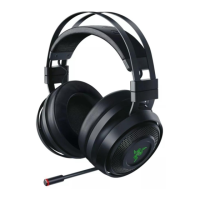
3. On the Playback tab, select Razer Nari - Chat from the list, and then set it as the
Default Communication Device.









 To Next Page