MAXIMIZE YOUR DEVICE
WITH RAZER SYNAPSE
razer.com/synapse
support.razer.com
GET HELP WITH
RAZER SUPPORT
Internet connection is required for installation, updates and cloud-based features.
Registering for a Razer ID account is recommended, but optional.
Access advanced options and granular control as you rebind
buttons, assign macros, personalize device lighting and
more with the unified hardware configuration tool.
We’re here to assist you with your Razer device.
Find software downloads, register your product, or contact us
by phone, chat or email if you have any questions.
WHAT’S INSIDE
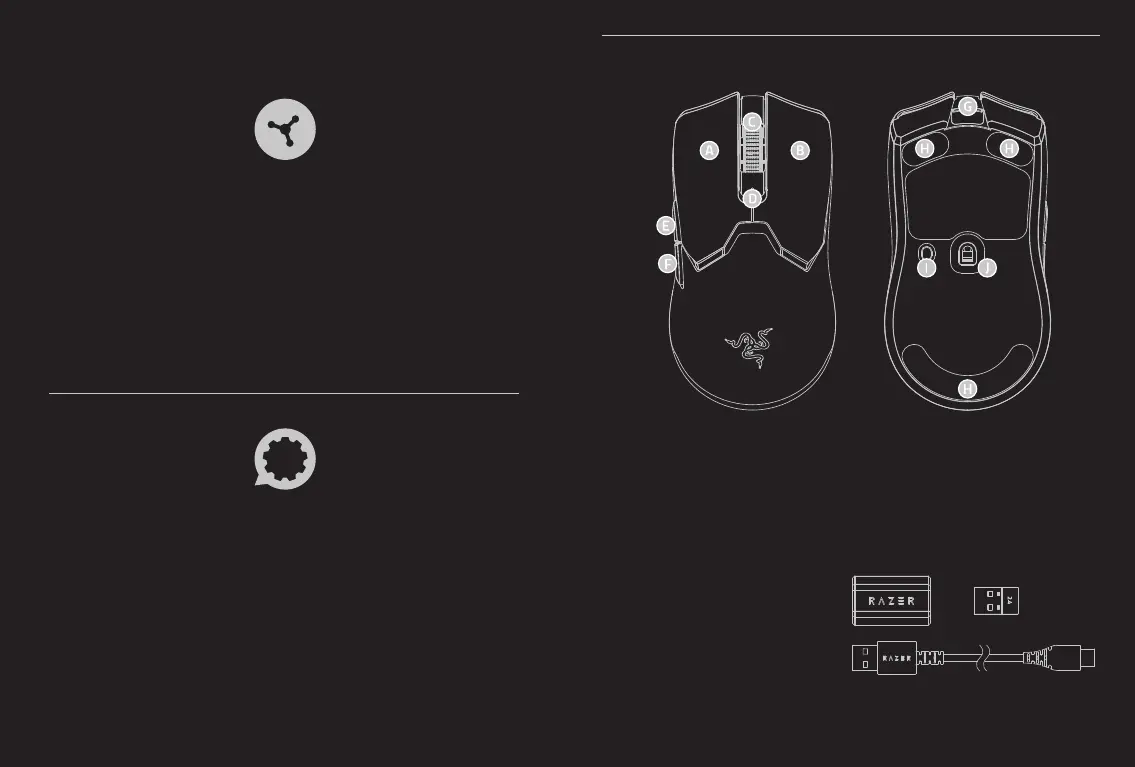
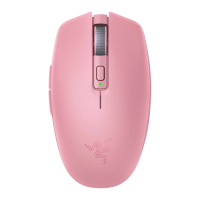
• Razer Viper V2 Pro
A Left mouse button
B Right mouse button
C Scroll wheel
D Status indicator
E Mouse button 5
F Mouse button 4
G USB Type C port
H Ultraslick mouse feet
I Power / DPI cycle button
J Razer™ Focus Pro 30K Optical Sensor
The DPI stages are as follows: 400, 800, 1600 (default), 3200 and 6400.
The DPI stages can be customized using Razer Synapse.
• Wireless USB dongle +
USB dongle adapter
+
• USB Type A to USB Type C
Speedflex cable
• Razer Mouse Grip Tape • Important Product Information Guide









 To Next Page