8
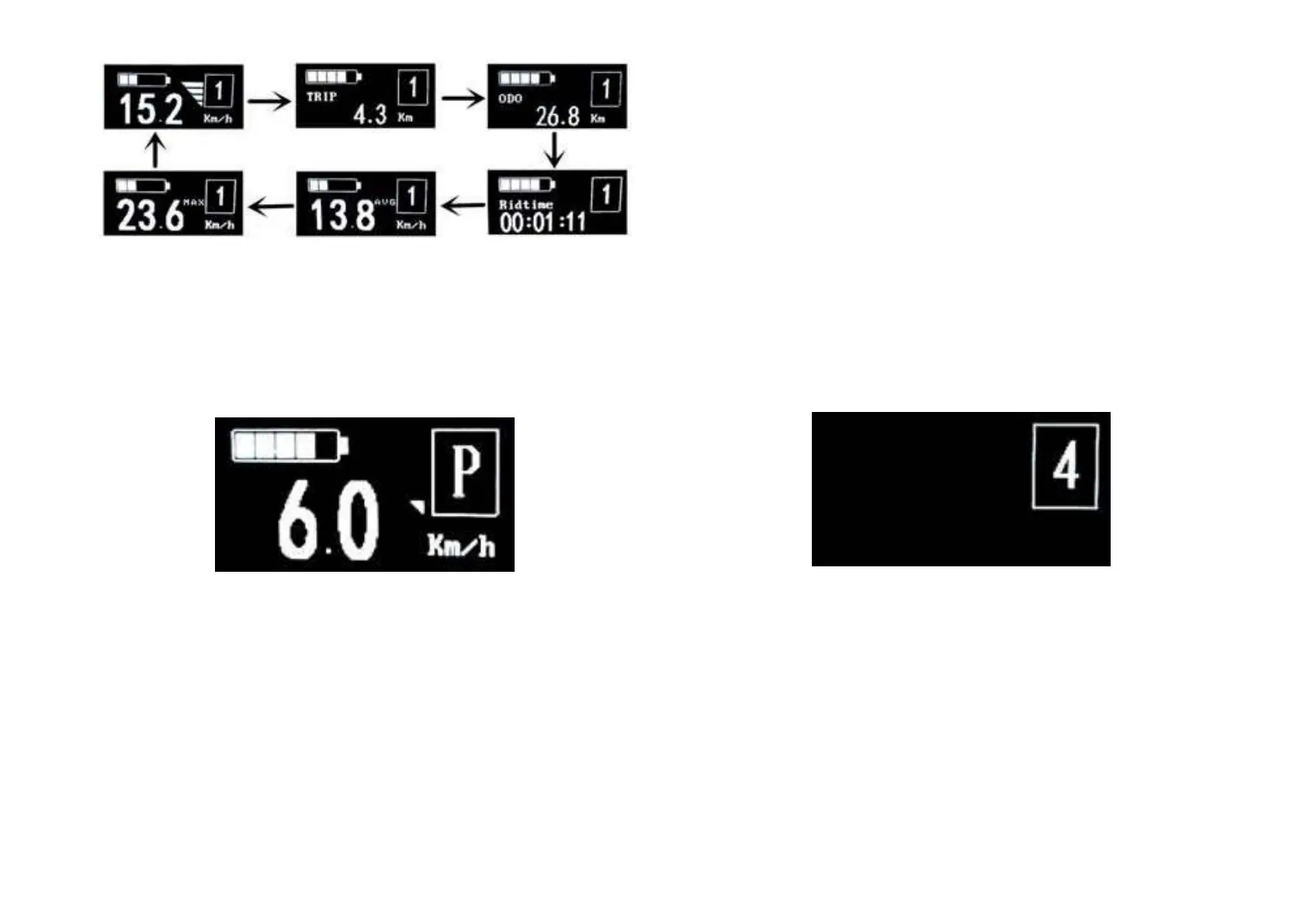
The circulation interface of the condition that the speed is 0 km/h
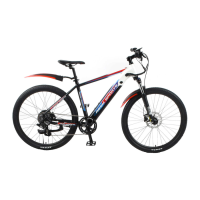
◆ Switching Push-assistance modeOn/Off
To access the push-assistance mode, hold DOWN always, the
eBike will go on at a uniform speed of 6 Km/h, “P” is showed on the
screen at the same time. The push- assistance function switches off
as soon as you release DOWN.
Push-assistance Mode
■ Push-assistance function may only be used when pushing the
eBike. Danger of injury when the wheels of the eBike do not have
ground contact while use the push-assistancefunction.
◆ Switching the LightingOn/Off
To switch on the display backlight , hold UP button for 2 s.
In the same way to hold UP button for 2 s again, the backlight will
be switched off.
◆ Assistance LevelSelection
Assistance levels indicate the output power of the motor. The default
value is level
“1”.
The default power ranges from level “0” to level “9”.The output
power is zero on Level “0”. Level “1” is the minimum power. Level “9”
is the maximum power.
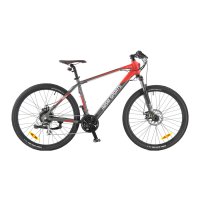
Assistance Level “4”


 To Next Page