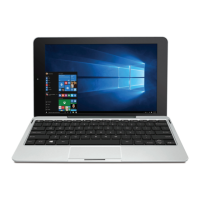
Turning Your Tablet On for the First Time
When using the tablet for the first time, you will be required
to setup the following:
1. Select the language, then tap
.
2. Set the Wi-Fi.
3. If you have a Google Account, select "Yes". Then tap a
network name to see more details or connect to it, and
enter a password if necessary.
When prompted, sign in using the email address and
password for your Google Account. If you don’t have one
yet, go ahead and create one.
4. Follow the onscreen instructions to setup the tablet.
First Time Operation
Basic Operation
EN - 22
Basic Operation
Using the Touchscreen
Here are some basic procedures for interacting with the
touchscreen.
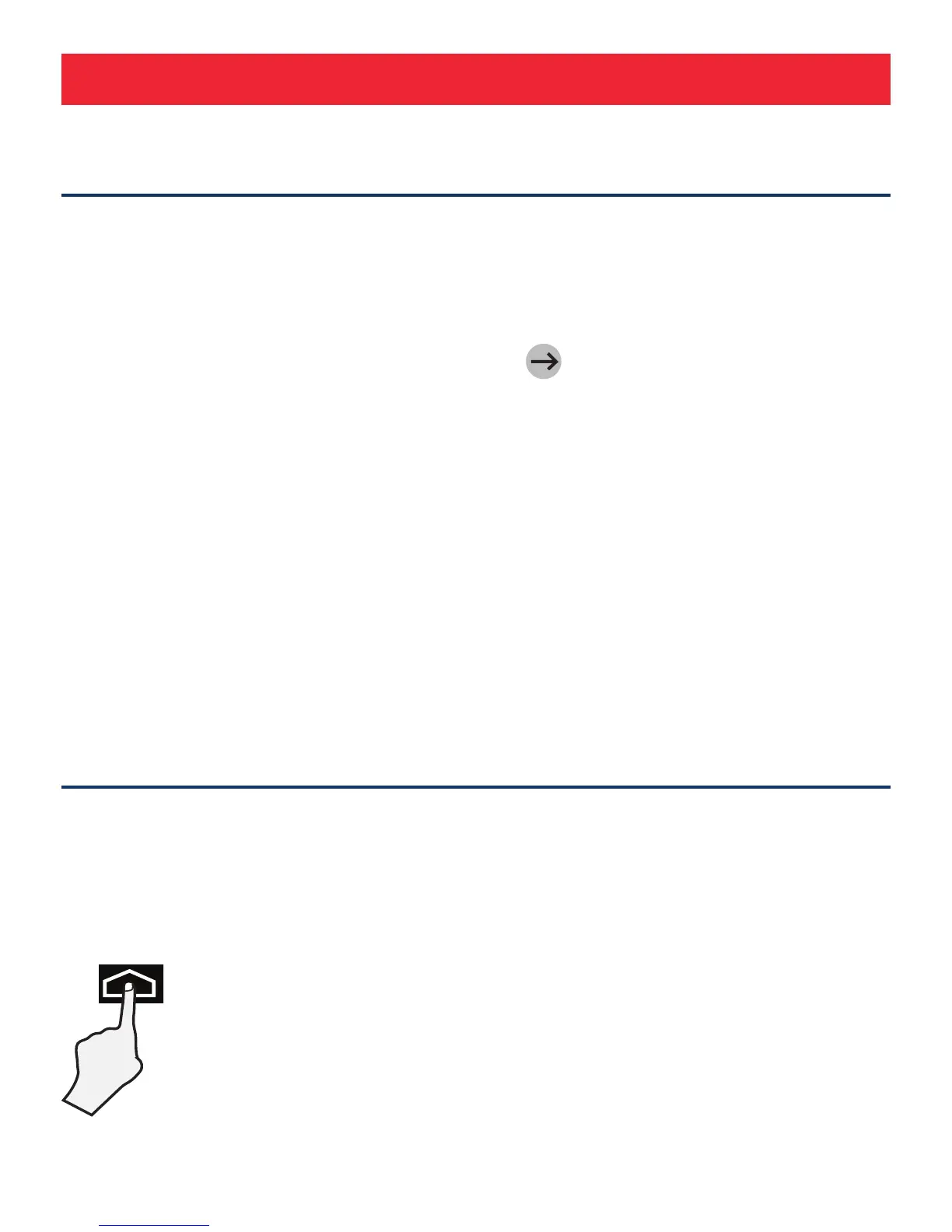
Tap
To select an item on the touchscreen, lightly tap
it.



 To Next Page
 Loading...