Memory
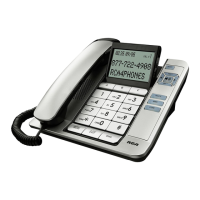
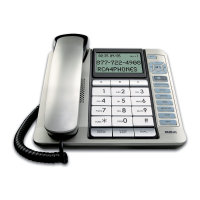
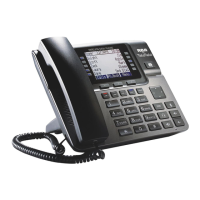
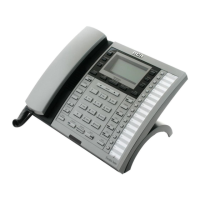
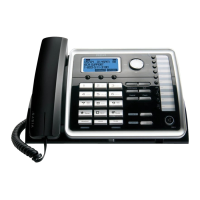
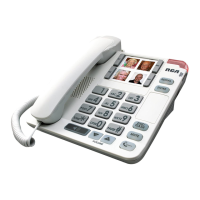
Store as many as 4 numbers in memory for easy dialing. They can be
stored
the
one-touch
memory on the top of the Base unit.
Y
ou
can use the
space
provided
to
either write
the name of your contacts or
stick pictures for easy
recognition.
Storing a Number in Memory
1. Pick
up the
handset
or
press
SPE
AKER
.
2. Press
the
STORE
button.
3.
Dial
the number to be stored (up to 16 digits).
4. Press the
STORE
button.
5. Select and press any of the
one-touch
Memory Location
buttons.
6. Hang
up the
phone
or
press
the
SPEAKER
button.
Adding
a
Pause
to the
Dialing
Sequence
Use
the
#pause
button to
insert
a delay in the
dialing sequence when
storing
a
number
,
for
example, when
you
need
to dial 9 to get an
outside
line.
Pause
function
is enabled when
the
#pause
button
is pressed
and
held
for 2
seconds.
Press
and hold
#pause
button at the point in the
dialing sequence
in which a
pause is
required.
The pause
time
is approximately
four
seconds,
if
additional
time
is
needed,
press
and hold the
#pause
button again.


 To Next Page