Playin 9 DVD Discs
The PREFERENCE Menu
To access the PREFERENCEmenu, make sure there is no disc in the player. If there is a disc in the player,
the menu will be grayed out and you will no be able to select it.
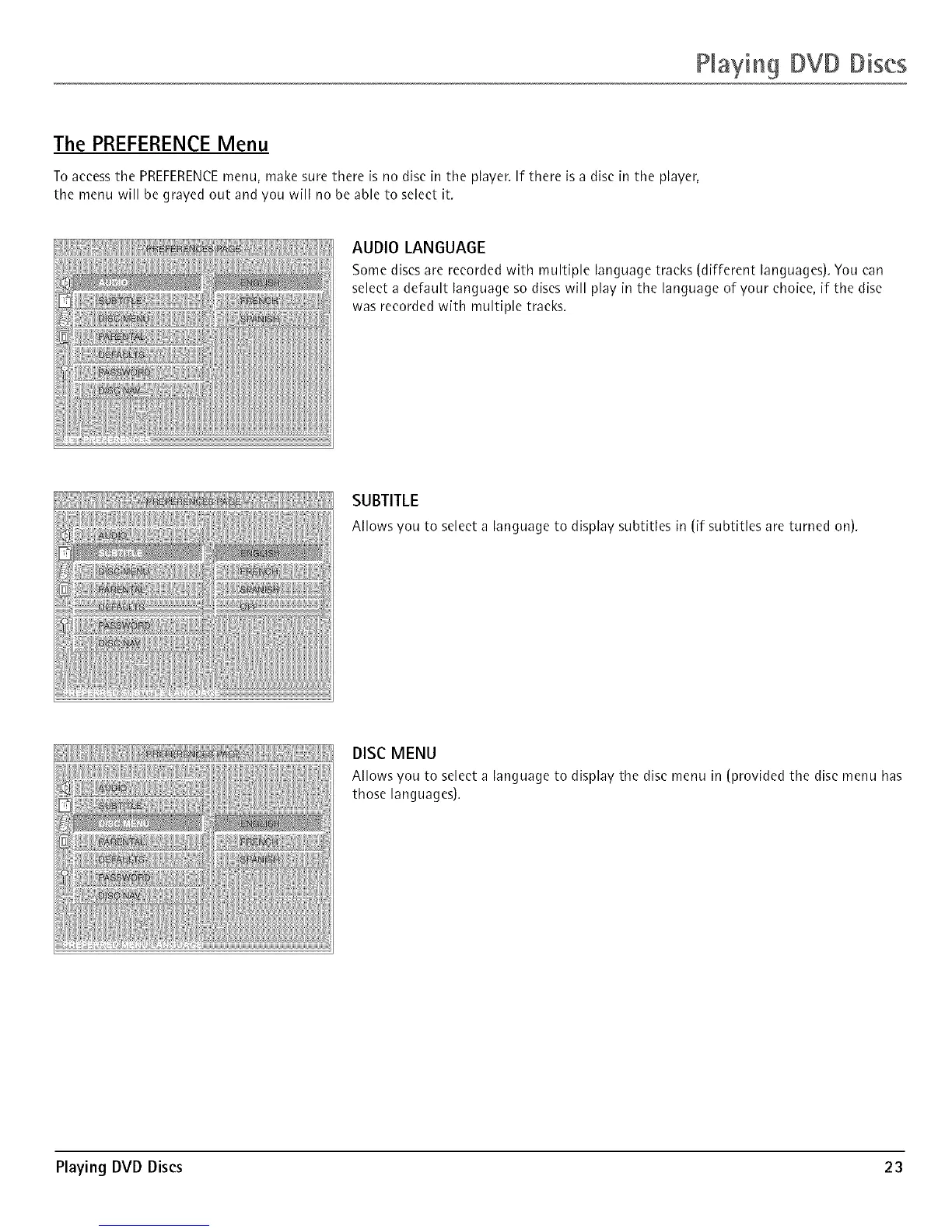
AUDIO LANGUAGE
Some discs are recorded with multiple language tracks (different languages). You can
select a default language so discs will play in the language of your choice, if the disc
was recorded with multiple tracks.
SUBTITLE
Allows you to selecta languageto displaysubtitles in (if subtitles are turned on).
DISC MENU
Allows you to select a language to display the disc menu in (provided the disc menu has
those languages).
Playing DVD Discs 23



 To Next Page