23
.
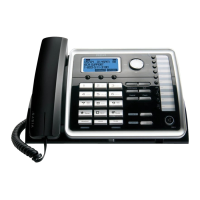
Press the DIAL Soft key, Spk button, Talk button, or line1 or line 2 button to take a line,
or pick up the corded handset and then the telephone number will be dialed out.
To switch to the headset, press the headset button to enable the headset, and the headset indicator illuminates.



 To Next Page