28
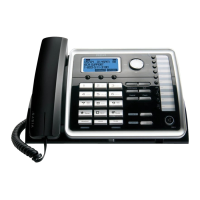
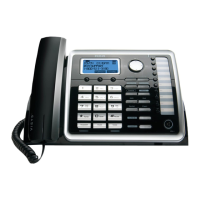
In idle mode, press any One-Touch/Memory Log button (1- 10) for the station you want to intercom
with. One-Touch/Memory Log button #1 represents handset 01, #2 represents handset 02, etc.
The Intercom paging ring will be emitted.
NOTE: If the receiving station does not answer within 1 minute and 40 seconds, the
intercom call is cancelled. You will hear an error tone and the screen displays
Unavailable.
Press the page button on the base. The handset beeps. The
handset screen displays Paging from Base.
Press the intercom button, and all the extensions except itself list in the log,
ol +
V l
FORMAT STORE
NOTE: To cancel intercom call, press the STOP Soft key.



 To Next Page