34
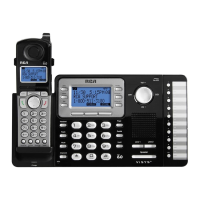
You can copy one directory record or the whole directory from the Main/Wired unit to any Extension/Wireless
unit or any Extension/Wireless unit to the Main/Wired unit.
In the Extension mode:
In the Main mode:
3. The extension list will be shown. Use the Vol (- or +) button to select the desired extension for the
record to be copied to.
4. Press the SELECT soft key. The number of directory records copied and number of records left to
be copied will be displayed on the Main/Wired unit.
5. After copying is finished the Main/Wired unit screen displays Record Copied!, and the Extension/Wireless
unit screen displays Saved.



 To Next Page