56 Chapter 6
Additional Information
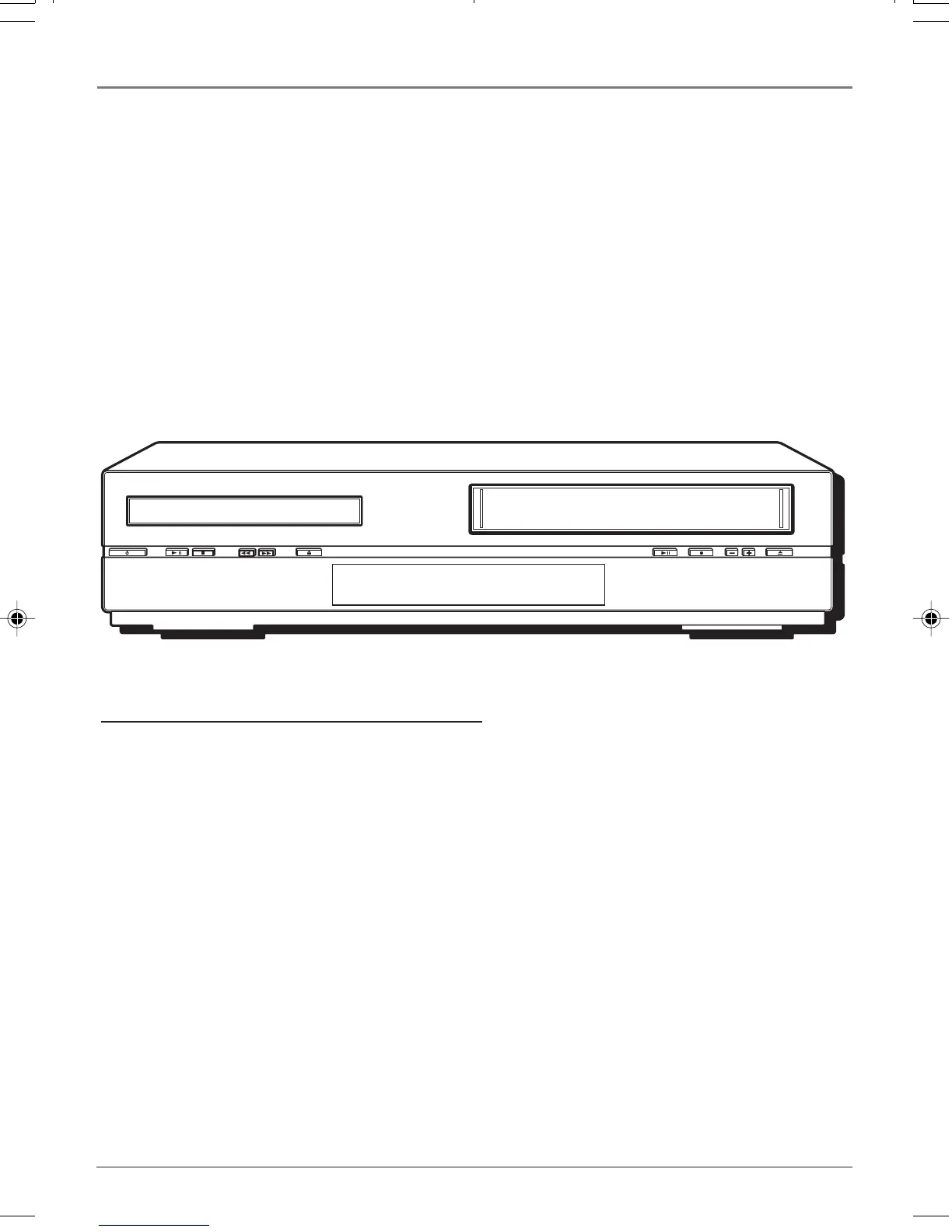
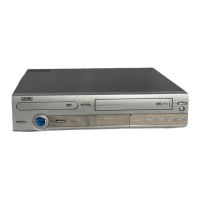
Front of the DVD/VCR (from left to right)
ON/STANDBY – Turns the player on and off. The indicator lights when you turn off the DVD/VCR.
PLAY/PAUSE – Press to begin playback. During playback, press to pause.
STOP – Stops disc or tape play.
REV (Reverse) – Searches backward on a disc or tape.
FWD (Fast forward) – Searches forward on a disc or tape.
OPEN/CLOSE – Opens and closes the disc tray.
DVD/VCR – Switches between DVD and VCR modes.
REC – In VCR mode, press to begin recording on a tape.
CHANNEL -/+ – Press to change the VCR channel.
EJECT – Ejects a tape.
Audio/Video Input jacks – Allows you to connect an external video component, such as a camcorder
or video game system. (Found behind the door on the right side on the front of the unit.)
Description of Jacks (continued)
OPTICAL - connect an optical cable (SPDIF) to the OPTICAL jack on the DVD/VCR and Digital Audio
Optical Input jack on your receiver.
COAXIAL - connect digital cable to this jack and to the Digital Audio Coaxial Input jack on your
receiver. The cable is not a black coaxial cable, but an RCA-type cable.
PLAY/PAUSE
OPEN/CLOSE DVD/VCR REC CHANNEL
EJECT
STOP
REV
FWD
ON/STANDBY
16166400.06 Additional 5/29/03, 10:02 PM56


 To Next Page