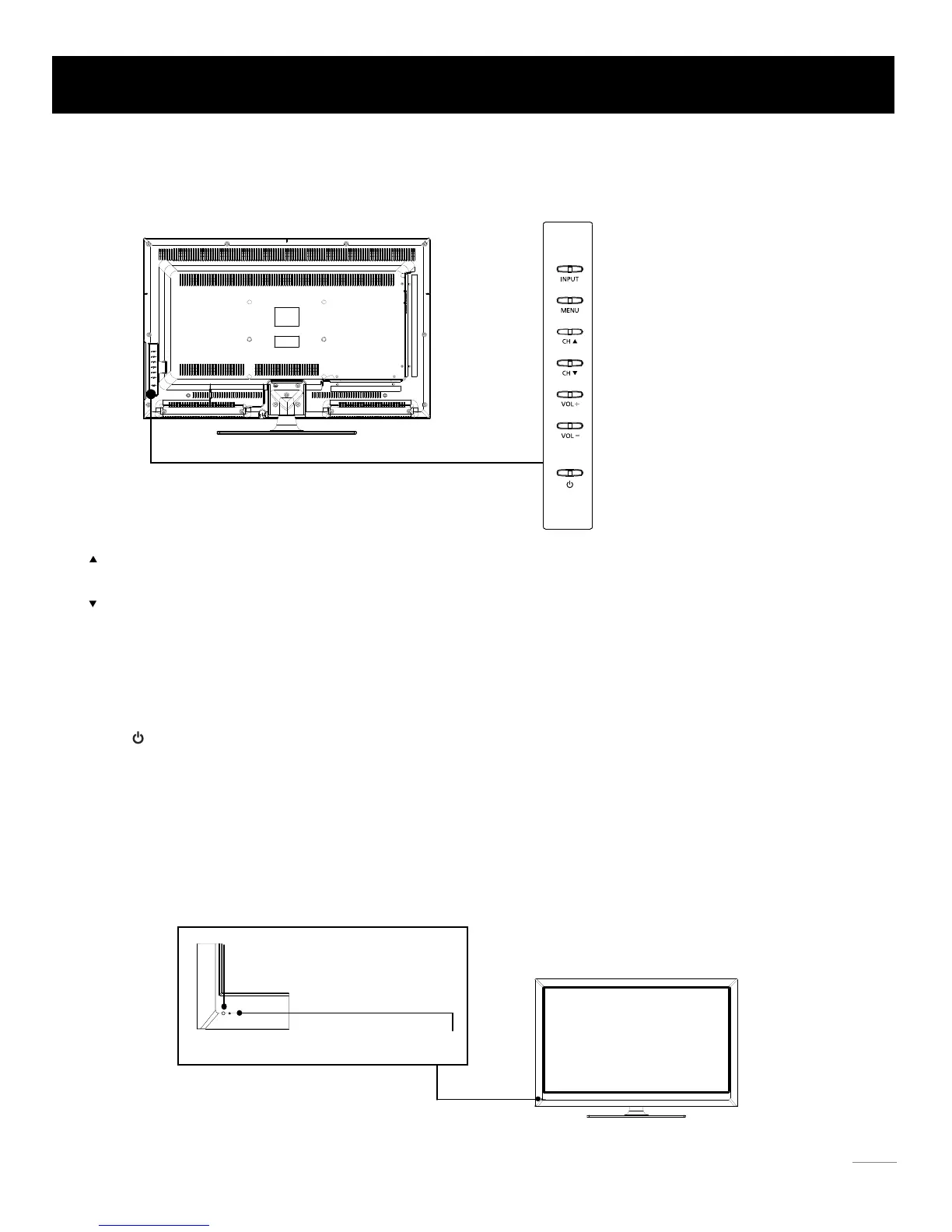
Side Keypad Buttons
Front Panel
INPUT:
MENU: Displays the TV Main Menu.
Displays the Source Select List.
VOL-: Decreases the volume. In the TV menu system, it acts like the left arrow on the remote control and can be used
to select menu options.
VOL+: Increases the volume. In the TV menu system, it acts like the right arrow on the remote control and can be used
to select menu options.
CH : Scans down through the channel list. In the TV menu system, it acts like the down arrow on the remote control
and can be used to select menu options.
CH : Scans up through the channel list. In the TV menu system, it acts like the up arrow on the remote control and
can be used to select menu options.
POWER ( ): Turns the TV on and off.
About remote control working distance and angel, see page 18.
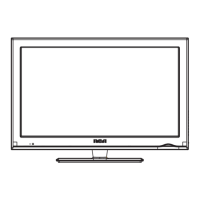
Power/Standby Indicator: Light up in red when the TV is in standby mode. Light out when the TV is on.
Remote Control Sensor: Remote control IR sensor, which receives infrared ray sent by remote control.
Remote Control Sensor
Power/Standby Indicator
Side Keypad and Front Panel
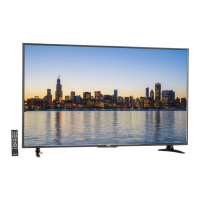
If you cannot locate your remote, you can use the side keypad buttons on your TV to operate many TV features.
17


 To Next Page