EN
Settings
6
Preset Equalizer Curves
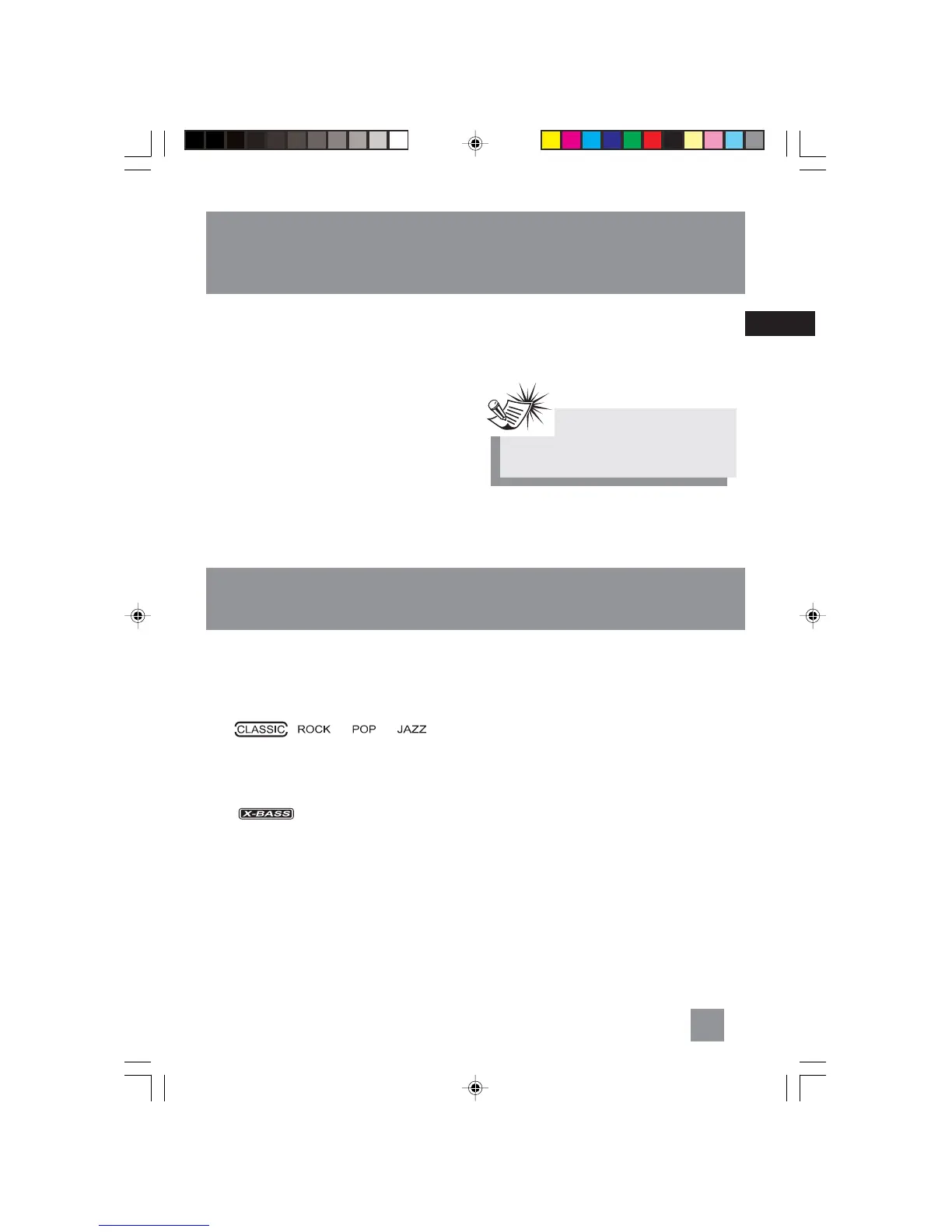
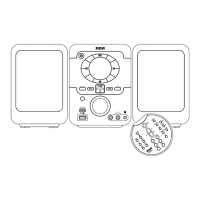
Press EQ to toggle among FLAT, CLASSIC, ROCK,
POP and JAZZ.
The selection is highlighted.
X-Bass
Press X-BASS to turn on/off the x-bass feature.
The icon is displayed.
Muting Audio
Press MUTE to silence playback.
Sound Features
Note:Note:
Note:Note:
Note:
Sleep is automatically de-activated when
the unit is turned off.
Setting Sleep Time
You can select the time interval in minutes before
the unit turns off automatically.
Press SLEEP on the remote control to toggle
among OFF, 90, 80, 70, 60, 50, 40, 30, 20, and 10
minutes.
View Remaining Sleep Time
When sleep is activated, press SLEEP once to view
remaining sleep time in minutes.
Adjust Sleep Time
Press SLEEP again when the remaining sleep time
is displayed to change sleep time.
RS2040 EN 2/2/04, 5:16 PM9



 To Next Page