EasyManua.ls Logo

RCA RTU6549-B - User Manual

RCA RTU6549-B
71 pages
Print Icon
To Next Page IconTo Next Page
Loading...
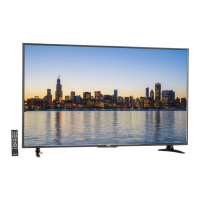
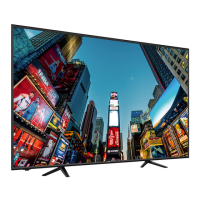
RTU6549-B
65”
LED TV
USER’S MANUAL

Questions and Answers

  • T
    Tiffany PerrySep 12, 2025
    How to remove big black box on RCA LED TV screen?
    • V
      Vanessa ClarkSep 12, 2025
      If there is a big black box in the middle of the screen of your RCA LED TV, you have turned on closed captioning and are using TEXT1 – TEXT4. Change the setting to CC1 or turn off closed captioning to remove the box.
  • D
    David ScottSep 12, 2025
    Why is there noise or trash pixels on my RCA RTU6549-B LED TV screen?
    • M
      Matthew CooperSep 13, 2025
      Noise or trash pixels may appear on the screen of your RCA LED TV because when your TV’s resolution is higher than the digital channel’s broadcast resolution, the signal is up-converted to match your TV’s resolution. Up-converting can cause this effect.
  • J
    Joanne WoodardSep 15, 2025
    Why can't I change the time manually on my RCA RTU6549-B LED TV?
    • B
      briggsrachelSep 15, 2025
      Your RCA LED TV syncs time automatically according to your local TV channel. This function only works while the TV’s tuner is connected to an antenna.

RCA RTU6549-B Specifications

General IconGeneral
BrandRCA
ModelRTU6549-B
CategoryLED TV
LanguageEnglish

Related product manuals