15
Programming the Phone
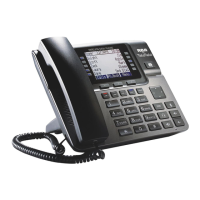
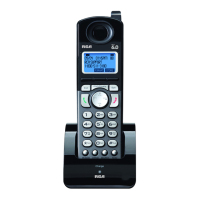
Standby Screen
NOTE: The Soft keys will change according to the status of the unit.
NOTE: The base LCD has a dedicated “SET CLOCK” icon flashing when the clock
is not set. Please go to menu “Phone Setting- Date /Time” to set the clock.
Programming Functions
NOTE: During programming, you may press the BACK Soft key (left) at any time
to exit the sub-menu and return to the main menu, or press exit key to exit
programming and return to standby screen.
NOTE: If no key is pressed for 30 seconds, the handset or base will automatically
exit programming and return to standby screen.
Phone Setting
OFF
menu MENU
VOL
SELECT
Add Headset (base only)
fi
Answering SYS., Voice Mail and Restore Setting.



 To Next Page
 Loading...