13
ENGLISH
Computer system requirements
Windows: Windows XP (SP2 or higher), Windows Vista, Windows 7, or
Windows 8
• Pentium 4 1.6GHz or equivalent AMD Athlon processor
• 512 MB RAM (1GB recommended)
• 300 MB available hard disk space
• 1024 x 768 pixels, 16-bit color monitor or higher
• Internet Access (broadband recommended)
Macintosh: OS X 10.5, 10.6, 10.7, or 10.8
• Intel Core Duo processor (or higher)
• 768 MB RAM (1GB recommended)
• 300 MB available hard disk space
• 1024 x 768 pixels or higher recommended
• Internet Access (broadband recommended)
Connecting to computer
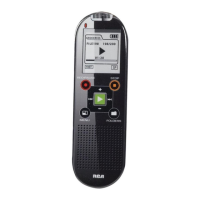
Connect the player before launching the Digital Voice Manager software.
1. Connect the player to the computer using the supplied USB cable.
2. CONNECTED shows on the player’s display. The player appears as a
removable drive in your computer.
Connecting to your computer


 To Next Page