21
ENGLISH
POWER SELECTION
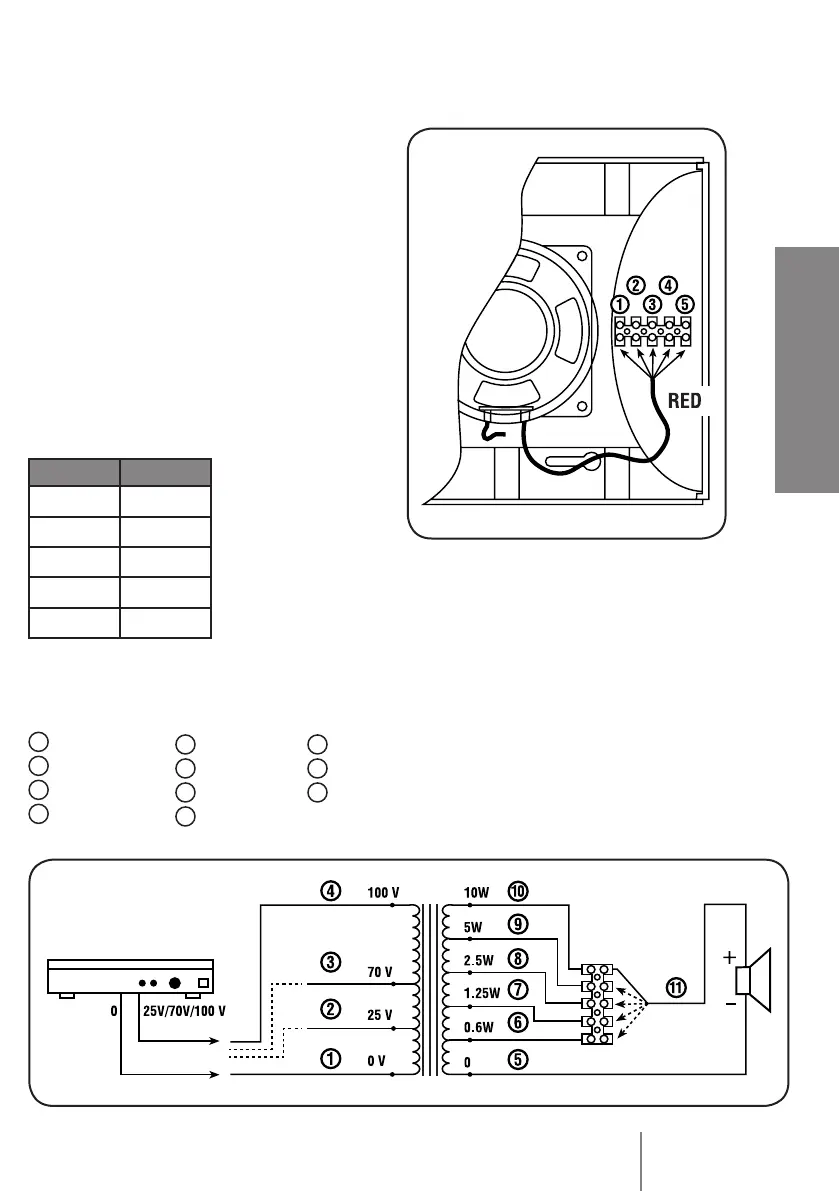
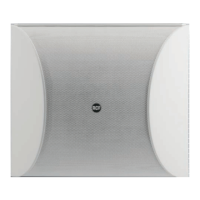
DU 100X is equipped with a line transformer
that makes it possible to select the power
among different levels. The maximum
power is the factory set; proceed as follows
to change it:
1. Remove the protective rear cover (see
the paragraph CONNECTIONS) and
disconnect the RED wire from the terminal
5 (unscrewing the relevant screw).
2. The power levels for terminals 1, 2, 3, 4
and 5 are indicated in the following table.
Connect the RED wire to the terminal
corresponding to the selected power
level and tighten the respective screw. For
instance: connect
the RED wire to the
terminal 3 to set
the power to 2.5 W.
MORSETTO POTENZA
1 0.6 W
2 1.2 W
3 2.5 W
4 5 W
5 10 W
WIRING DIAGRAM
AMPLIFIER
WIRE COLOURS
1
black
2
blue
3
brown
4
red
5
green
6
orange
7
white
8
yellow
9
pink
10
grey
11
red


 To Next Page