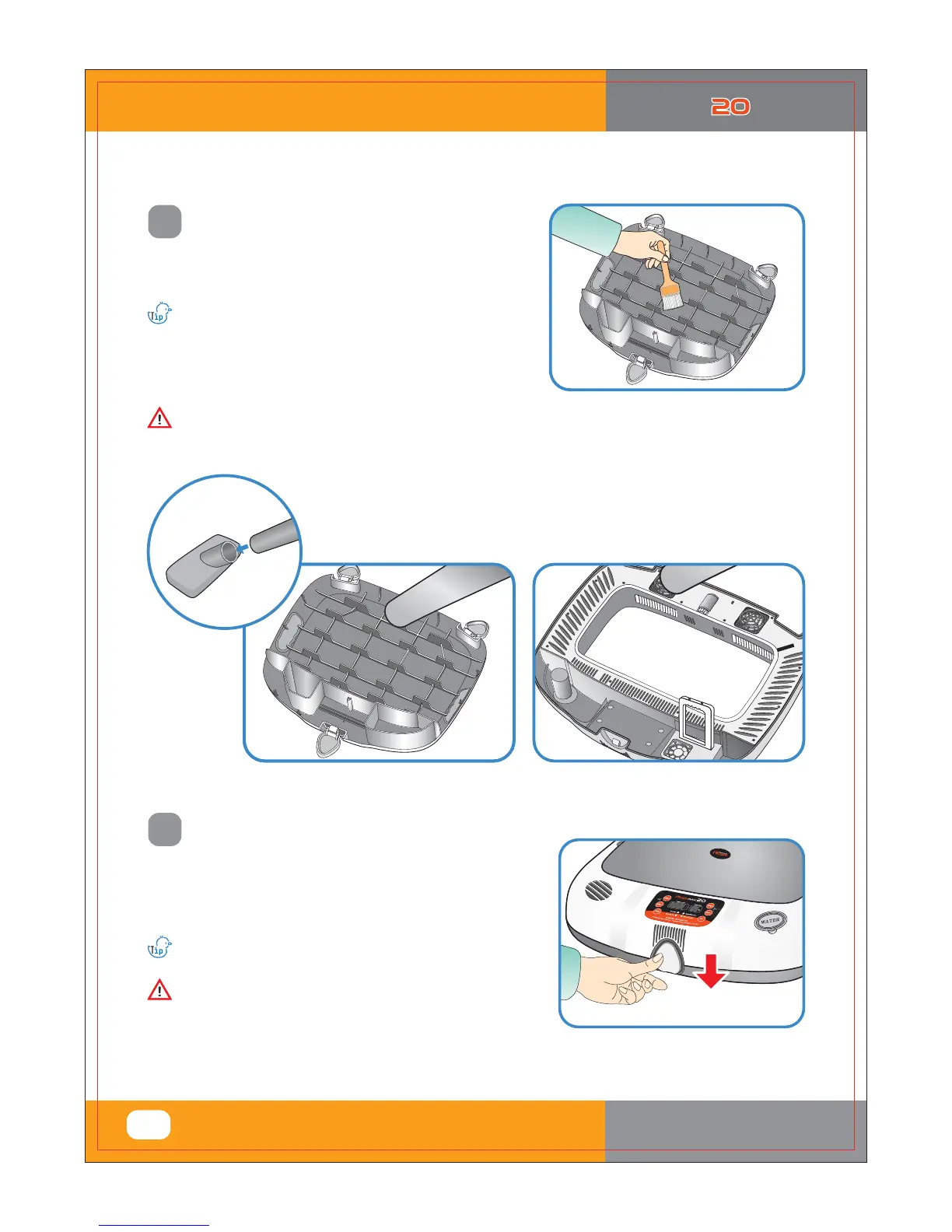
Start the vacuum cleaner to remove the dust as shown on the
right and thoroughly shake out the minute dust with a fine brush.
If you finish cleaning the incubator, reassemble it in the reverse
order of disassembly. Wipe out outside the main body with a
wet cloth and dry it in a cool and well-ventilated place before
storage.
In case the incubator clean status is poor which may cause fan noisy or stopping.
If the incubator goes through incubations several times,
feather, dust, shell, etc. accumulate inside the main body,
which may cause a break down, so be sure to clean
the product before storage.
Don't clean the product with organic solvents such as
benzene, thinner, etc. which may cause deformation or
decoloration.
[Refer to How to assemble on Page 8.]













 To Next Page