DIGITAL INCUBATOR
3
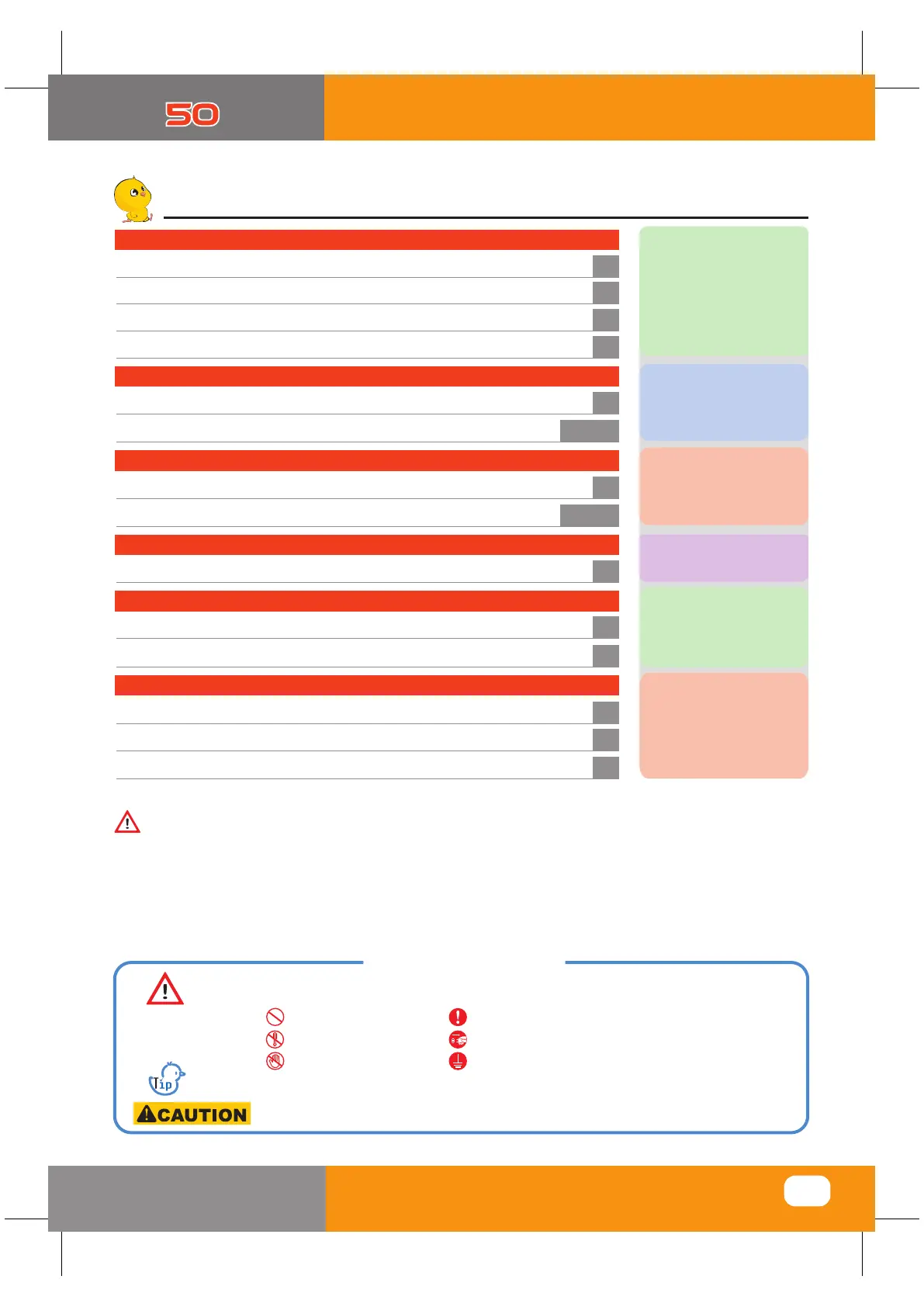
How to use Rcom MAX 50
(1) Rcom 50 Introduction
1. Introduction
4
(2) Safety Precautions
5
(3) Identification of Parts and Composition
6
(4) Function of Digital Control & How to Operate
7
(1) How to Assemble the Incubator / Egg-Turning plate
2. Before use
8
(2)
What is an incubation room?/ Preparation for Incubation
9~10
3. Function Settings
(1)
(1)
(2) Change Cels.& Fahr.
11
(3)
Temperature & Humidity Setting / How to Set Egg-Turning
12~13
(2) Dew Condensation
4. Incubation
14
(2) Troubleshooting
6. Product Information
18
(1) Servicing / Frequently Asked Questions (FAQ)
17
(3) Specification
19
Introduction
Before use
Function Settings
Incubation
How to Clean
Product Information
5. How to Clean
(1) How to Disassemble
(2) How to Clean
15
16
Humidity & Air Maintenance during Incubation /
Maintenance after Hatching
Contents
Incubator Start&Termination /
Return to Factory Setting
The result of Hatching can be changed by a large numbers of factors. Autoelex Co., Ltd.
&
our distributors will not take any responsibility for ‘Loss of eggs or pet/animal lives’ under any
circumstances such as ‘Hatching/Brooding failures’, ‘User’s carelessness’, ‘Personal (un-certificated)
conversion / alteration’, ‘Arbitrary using out of the machine’s purpose’, ‘Electric power failure’, or
‘Malfunctioning’. Please be sure that the machine works without any problem before placing Eggs or
Pets(Animals). Also, we strongly recommend you to read the User’s Manual carefully to minimize of
any failure.
Caution : Caution mark against a fault that can cause damage, trouble, or failure of incubation.
Tip : References or useful suggestions in using Rcom product
Mark Explanation
Warning of actions which may be dangerous or cause damage to the incubator.
Prohibited
Do not disassemble.
Do not touch.
It is necessary to keep.
Remove the power cord from outlet.
Ground Connection for preventing electric shock.


 To Next Page