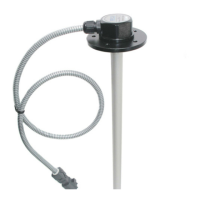
EPSILON ES2,ES4
65
Next, you need to perform calibration procedures and calibration of all sensors connected in
accordance with Annex 1.
Connect and check.
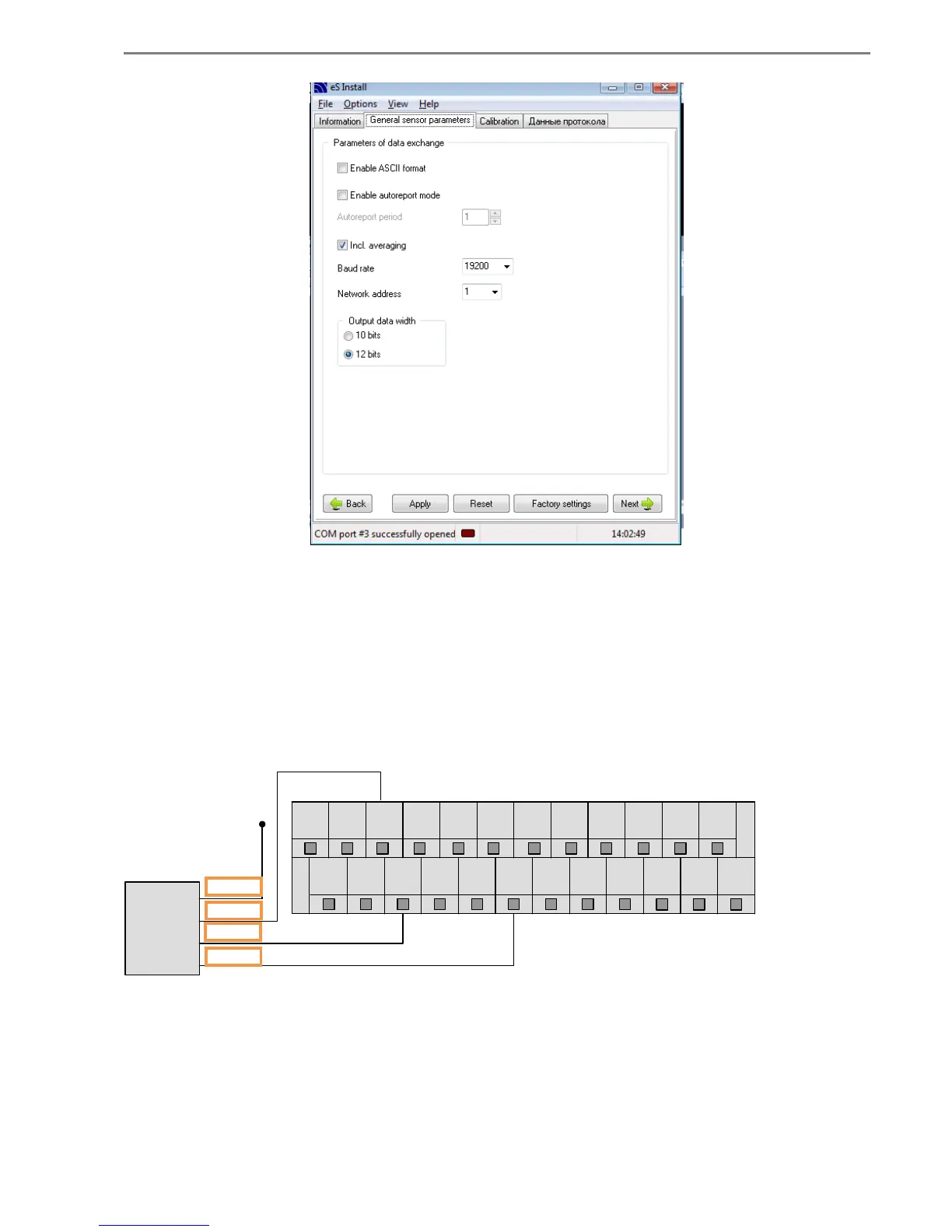
Once configuration is complete, the sensors can be connected to the device "LOCARUS
702/702S" according to the following figure:
1 3 5 7 9 11
2 4 6 8
13 15 17 19 21 23
10 12 14 16 18 20 22 24
ES4
RS485
желтый
черный
зеленый
красный
+12V
Functional test can be performed using the c «U_InputTester» («InputTester900»), supplied by
the manufacturer. To do this you must:
Connect the equipment into an available USB port on the PC is off when the supply voltage.
Enter the folder with the program «U_InputTester» and run the file «InputTester900.exe».


 To Next Page
 Loading...