REACH DEC1000
User Manual
Copyright© Shenzhen Reach IT Co., Ltd. 12 / 24
multicast.
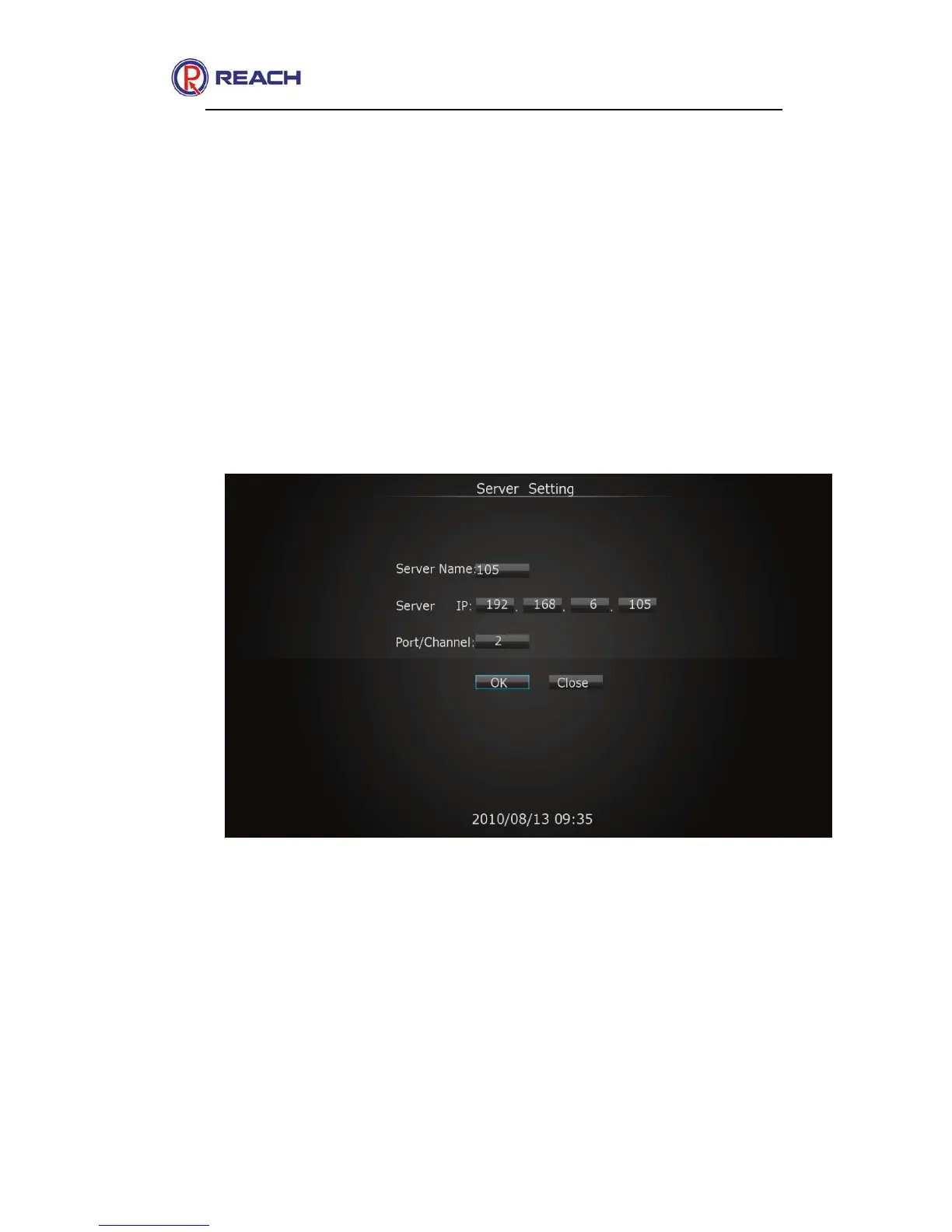
Channel: To display channel for receiving unicast.
Port: To display port for receiving multicast
+: Add new server.
-: Delete server.OK: Enter the media receiver interface after selecting
server.
The unicast receiving configuration is as shown in the following figure:
The multicast receiving configuration is as shown in the following figure:



 To Next Page