REACH DEC1000
User Manual
Copyright© Shenzhen Reach IT Co., Ltd. 13 / 24
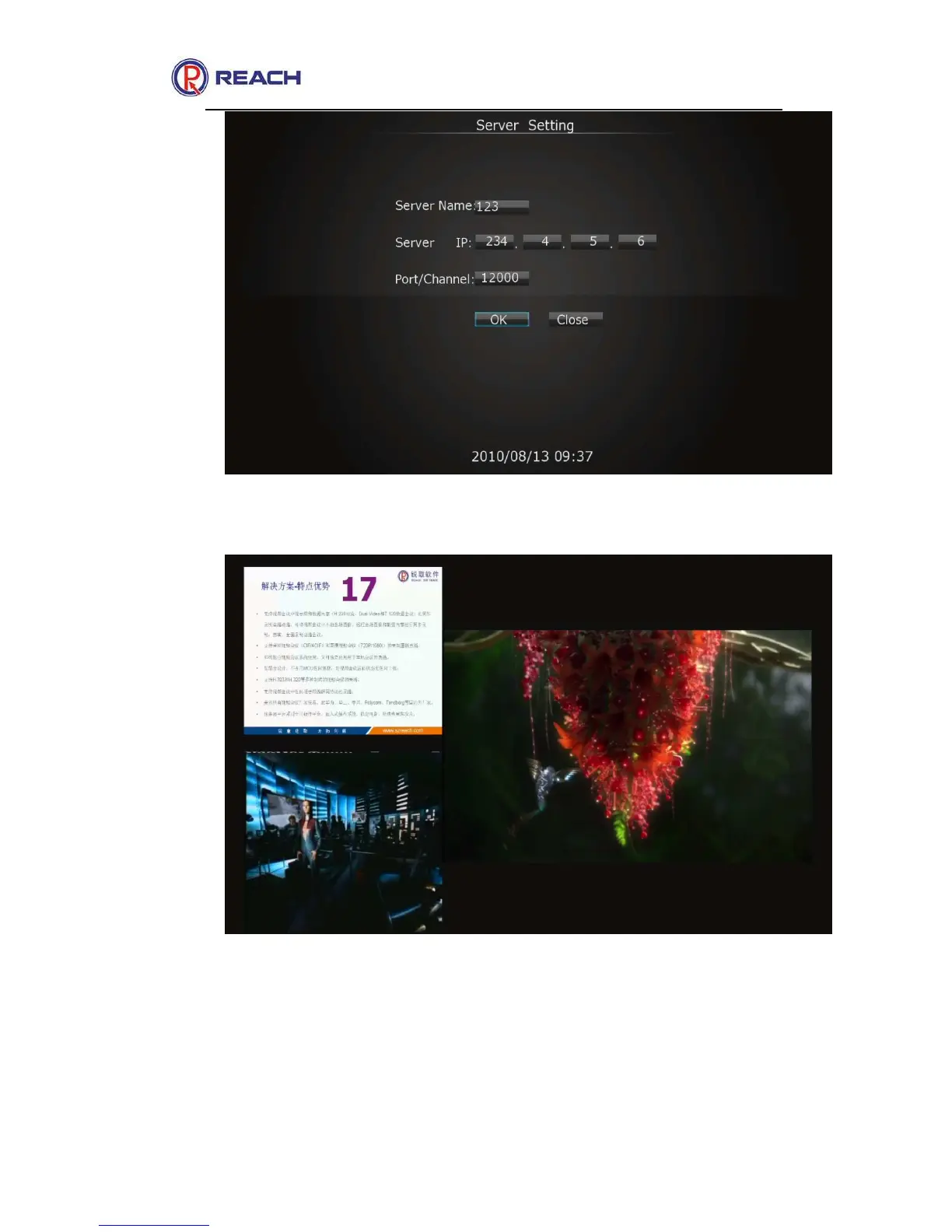
The live streaming picture is as shown in the following figure
By pressing [INFO] button on the remote controller, you can view the
current media frame rate, bite rate, audio sample rate, audio bandwidth
and video resolution while receiving media. The corresponding figure is as
below:



 To Next Page