EasyManua.ls Logo

Realistic Pro-30 - Programming Frequencies

Realistic Pro-30
20 pages
Print Icon
To Next Page IconTo Next Page
To Previous Page IconTo Previous Page
Loading...
4.
5.
6.
7.
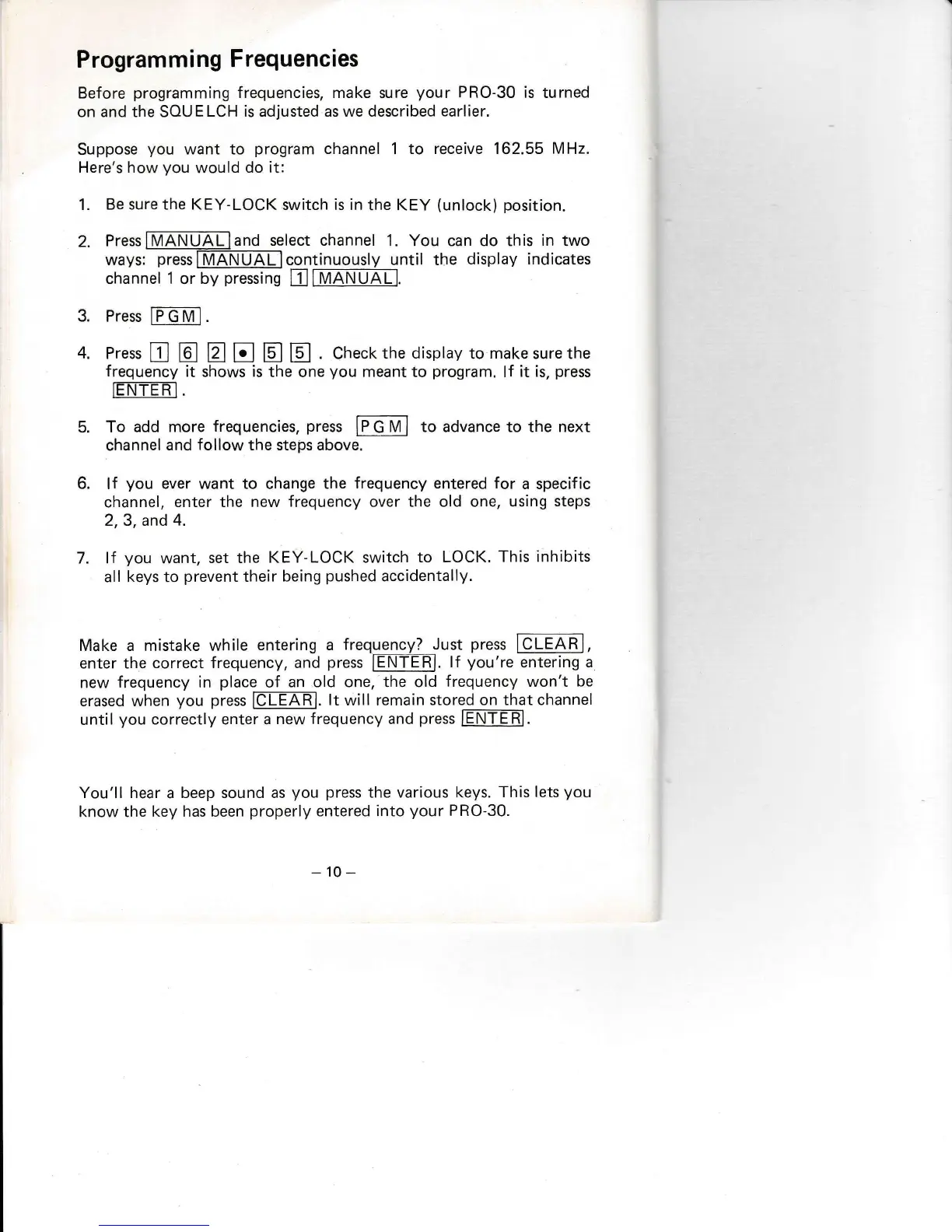
Programming
Frequencies
Before
programming
frequencies, make sure
your
PRO-30 is
turned
on and the SOUELCH
is adjusted as we described
earlier.
Suppose
you
want to
program
channel
1
to receive 162.55
MHz.
Here's how
you
would
do it:
1.
Be sure the KEY-LOCK
switch
is
in
the KEY
(unlock)
position.
2.
Press
and
select channel
1. You can do this
in
two
ways:
press
continuously until the
display indicates
trNANIII1
channel
1
or
by
pressing
3.
Press
fPGMl.
Press
f
E tr tr tr @
. Chect<the
display
to
makesurethe
frequency
it shows is
the one
you
meant
to
program.
lf
it is,
press
rEi\l-TER-I.
To
add more
frequencies,
press
IFEMI
to advance to the next
channel
and
follow
the steps above.
lf
you
ever want to change the
frequency entered for
a specific
channel,
enter the
new frequency
over
the old one, using
steps
2,3, and
4.
lf
you
want,
set the
KEY-LOCK switch
to LOCK.
This inhibits
all keys to
prevent
their
being
pushed
accidentally.
You'll hear
a
beep sound as
you press
the various keys.
This
lets
you
know the
key has been
properly
entered into
your
PRO-30.
-'10
-
Make a mistake while
entering a
frequency?
Just
press
ICaEA=R-],
enter the
correct frequency, and
press
tEl\-T-trR].
lf
you're
entering
a
new
frequency in
place
of
an old one, the old
frequency won't
be
erased
when
you press
le[FARl.
lt
will remain stored on
that channel
until
you
correctly enter a
new frequency and
press
IENTERI.

Related product manuals