www.reconyx.com 4
Batteries & Memory Cards
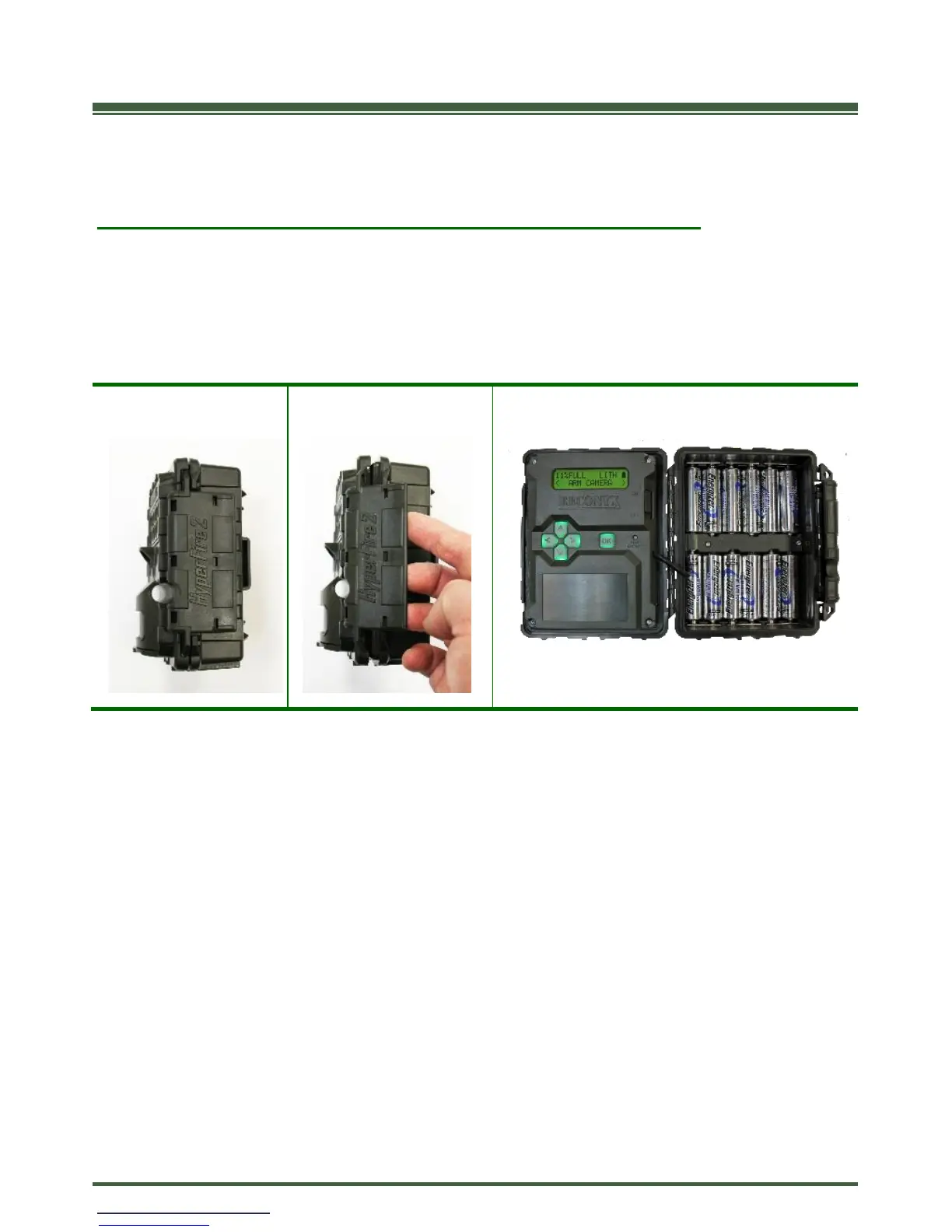
Accessing Batteries, Memory Card & Camera Controls
To install the batteries and memory card, open the latch on the right side of the
camera by grasping behind the latch and flipping it toward the front. The camera
will open like a book, allowing access to the batteries, memory card and settings.
TIP: Each time you open your camera it’s a good practice to:
• Make sure the main gasket is seated properly and is clear of debris.
• Be sure that the windows on the front of your camera are clean.
• Also be sure the latch is fully seated when closing your camera to ensure a
weather-tight seal.


 To Next Page